Preset:
Image size:
Please choose bandwidth status...
1280x720
30
fpsFrame rate:
H.264/MPEG4 bitrate:
2048
kbps
50
(20-100)
90
(20-100)
MJPEG quality:
JPEG snapshot quality:
AAC-LC 16kbps
Audio:
Authentication:
Prerecord:
Enable
Disable
Disable
Primary stream:
fps
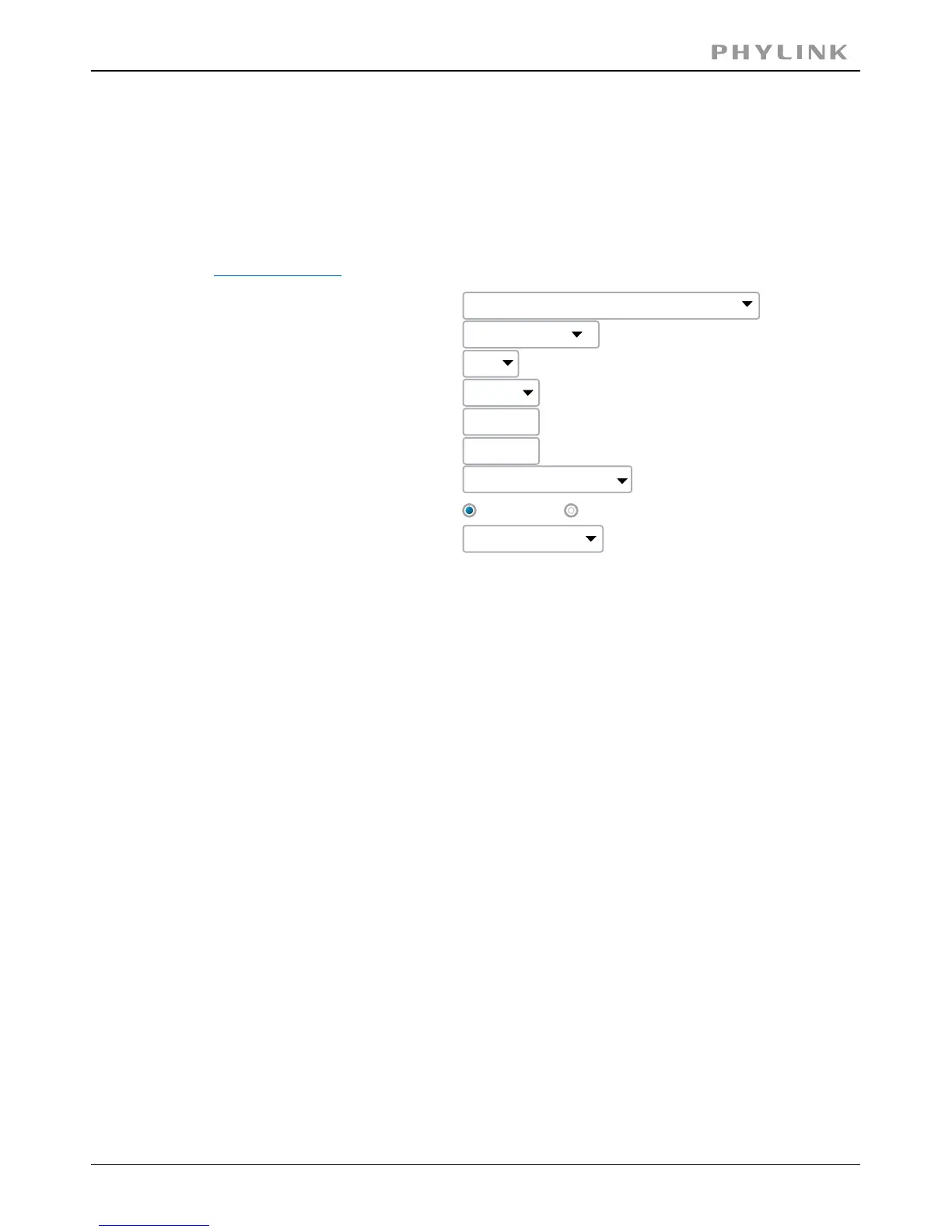
The camera supports three streams: primary stream, secondary stream and mobile
stream.
[Image size]Three image resolutions available: 640 x 480(VGA), 320 x 240(QVGA),
160 x 120.
Twelve options: 1/2/3/4/5/6/8/10/15/20/25/30 frames per second (fps).[Frame rate]
Select H.264/MPEG4 bit rate.Eight options: 64, 128, 256,[H.264/MPEG4 bit rate]
512, 768, 1024, 1536,2048 (kbps).
Type MJPEG video quality. (20 – 100), 20 is low quality, 100 is[MJPEG quality]
high quality.
Type snapshot quality. (20 – 100) , 20 is low quality, 100 is[Snapshot quality]
high quality.
The above five settings determine the image quality, however higher bit rates require
greater bandwidth. Please select the appropriate settings according to your
connection speed and network traffic. If you are experiencing jerky video it may be
necessary to decrease the bit rate.
Enable or disable audio.[Audio]
Enable or disable RTSP authentication.[RTSP authentication]
You can use Mobile phone to play the mobile stream from camera, but generally
Mobile phone do not support authentication, so we have to disable the RTSP
authentication.
PHYLINK Covert Network Camera User Manual
3.2.2 Stream Setup



 To Next Page