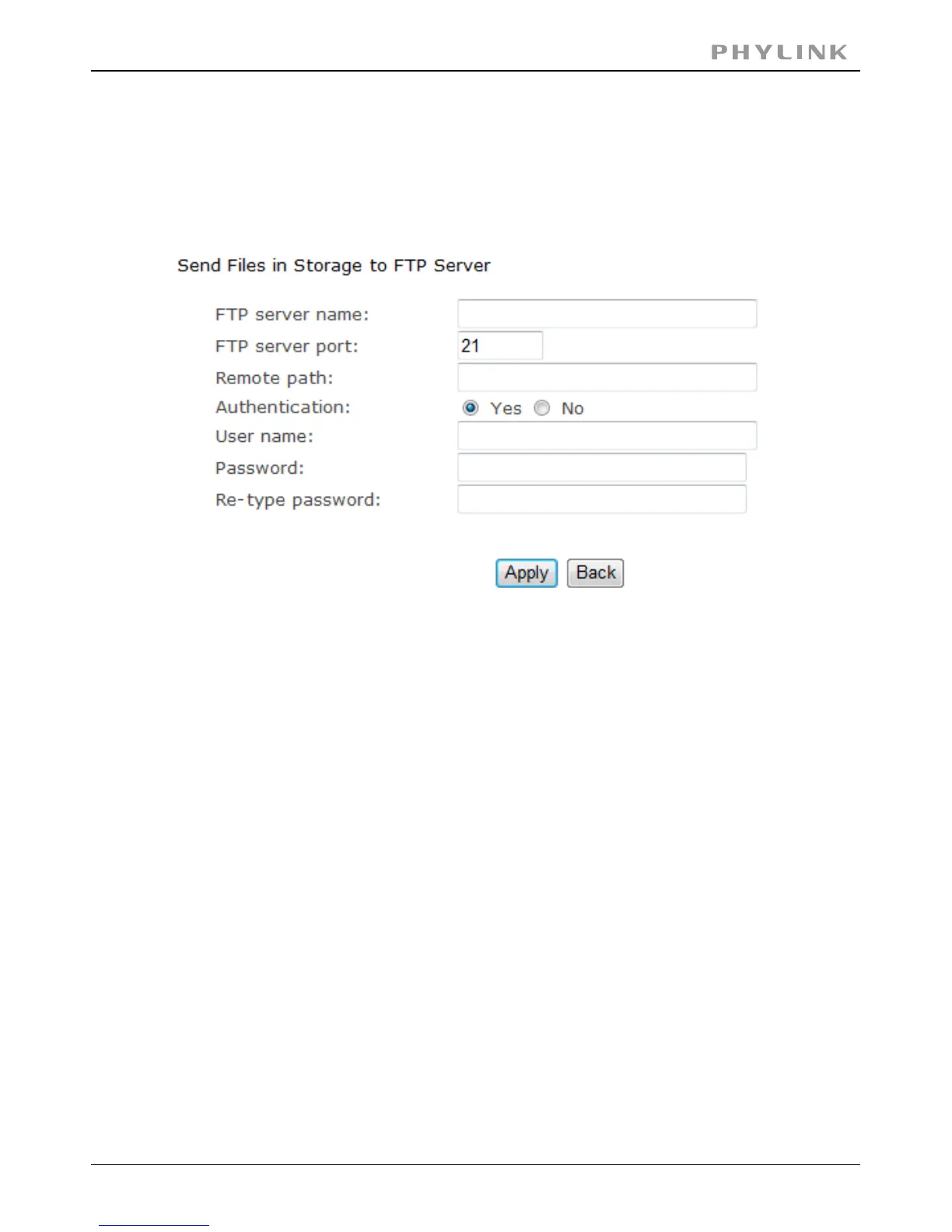
3.5.3.11 Sending files in storage to FTP server
[FTP server name] Input the FTP server name.
As default 21.[FTP server port]
SelectYes.[Authentication]
Type the FTP user name.[User name]
Input the FTP password.[Password]
Re-input the FTP password.[Re-type password]
Select on or off.[Passive mode]
Input the time.[Keep alive]
Input the file directory.[Remote path]
Click to confirm your setting.Apply
Phylink cameras can transfer files automatically to a standalone NAS hard drive or
any other FTP server, such as a computer with FTP software or an online server.
Note:The menu option for “HTTP alarm sending” and “ HTTP Periodic sending”are
not explained here since HTTP servers are only used by network professionals.
PHYLINK Covert Network Camera User Manual



 To Next Page