3.6 Tools
[System Name] Type a name to easily identify the camera.
Type the contact name of the administrator of the camera.[System Contact]
Type the location of the camera.[System Location]
3.6.1 System Identity
The information you fill in can be displayed on the camera. It can help to distinguish
different Cameras in the network .
Tools
System Identity
User Management
Date & Time
Backup or Reset
Automatic Reboot Setup
Firmware Upgrade
System Name:
PhyLink Bullet HD1080
Default Contact
Default Location
System Contact:
System Location:
Apply
System Identity Setup
PHYLINK Covert Network Camera User Manual
Camera
Multilive Video Album
Setup
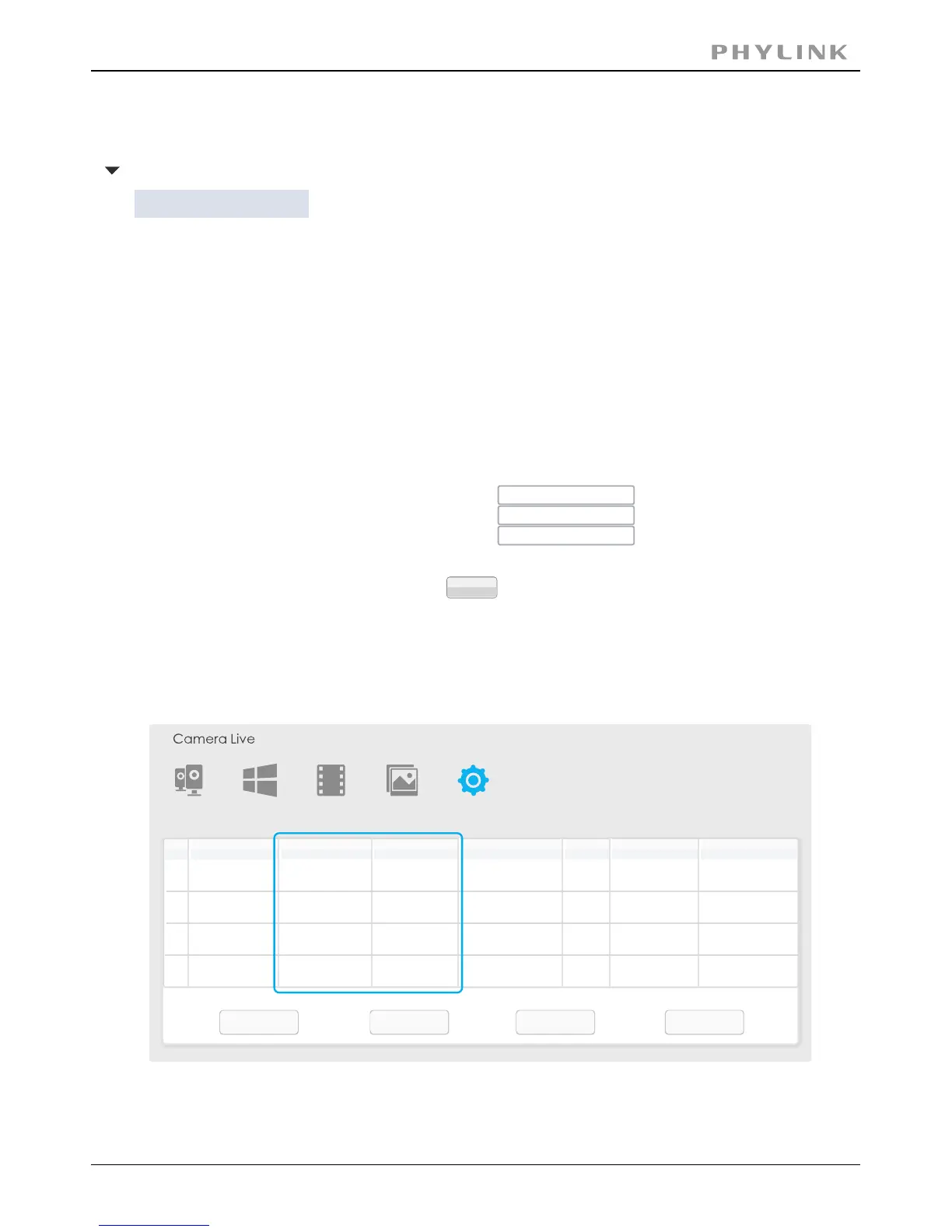
IPModel
Name
Location
Port
MAC
P2P UID
Search Browser Clear Setup
1
Network Camera
Default Location
192.168.168.39 80 0:e0:4b:c2:8f:64 T5M5TN7U67A...
PLC 325PW-
2
Default Location
192.168.168.56 80 0:e0:4b:c2:6e:22 SR6MJ87HJKF...
PLC 335PW-
3
Default Location
192.168.168.77 80 0:e0:4b:b9:11:68 EVFG78KHUW...
PLC 233PW-
4
Default Location
192.168.168.75 80 0:e0:4b:c6:23:c4
VDF45G8IPK3...
PLC 223PW-
Network Camera
Network Camera
Network Camera



 To Next Page