PHYLINK Covert Network Camera User Manual
3.4.2 Browse Storage
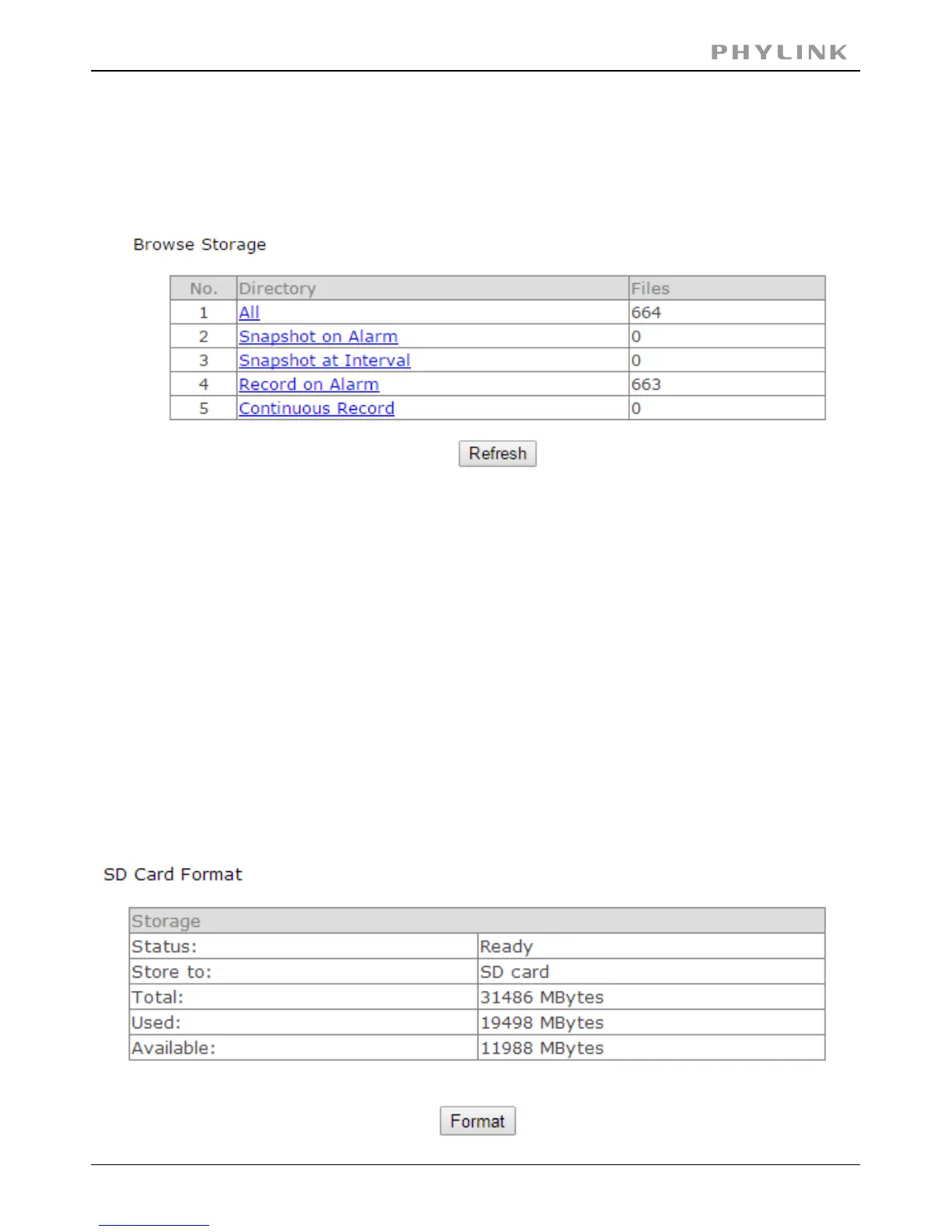
The browse storage page shows a summary of all the files saved for a specific function.
To access the files please click on the relevant link and this will display all the files.
3.4.3 Format SD Card
Click to format SD card click , all the recorder files will be lost after format.Format
[All] Enables you to view and delete all the files recorded.
[ ] Enables you to view and delete snapshots which were recordedSnapshot on Alarm
upon motion detection.
[ ] Enables you to view and delete all the snapshots which wereSnapshot at Interval
recorded on periodical basis.
[ ] Enables you to view and delete all the videos which were recordedRecord on Alarm
upon motion detection.
[ ] Enables you to view and delete all the videos recorded accordingContinuous Record
to the continuous record schedule.



 To Next Page