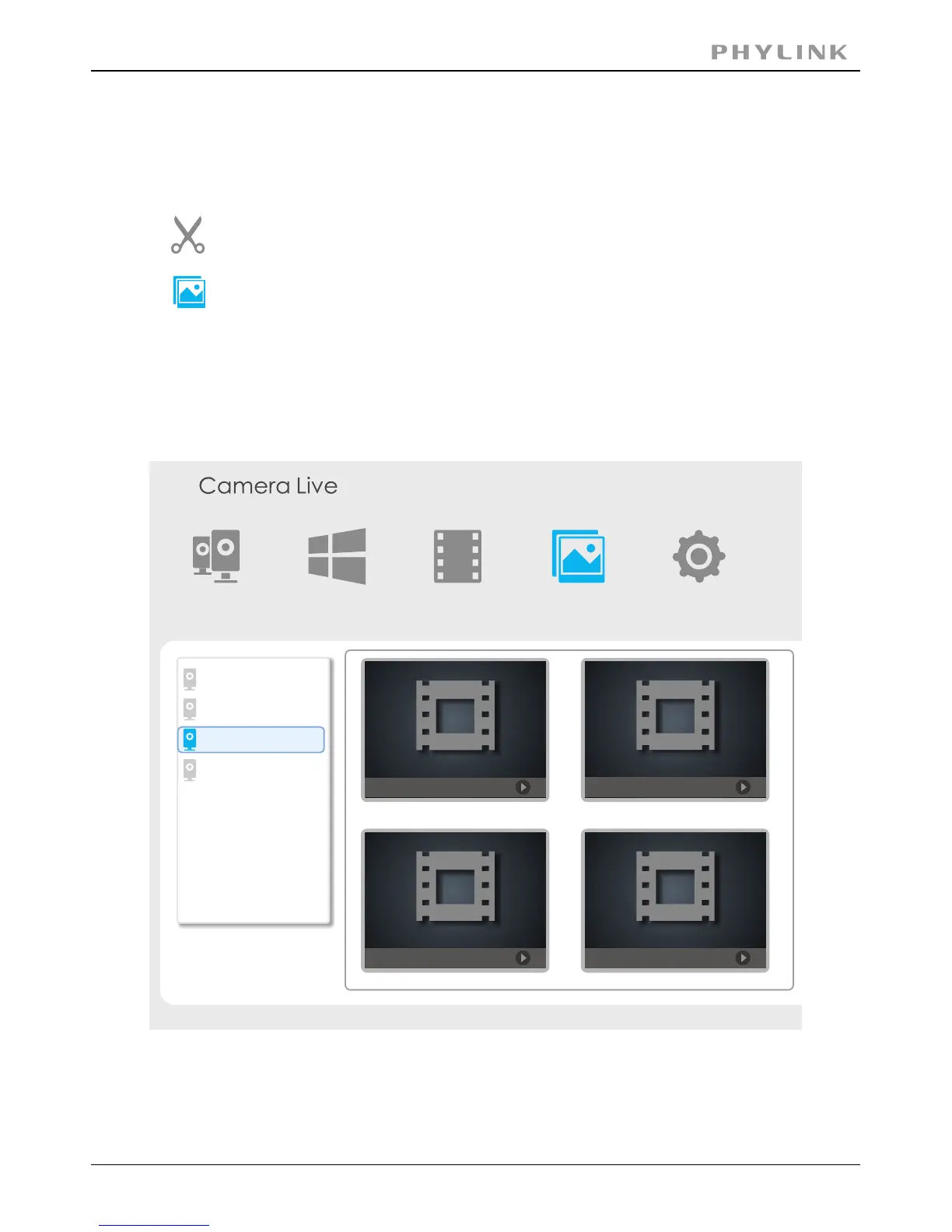
2.4.6 Snapshots, Storage and Viewing
Click on “Snapshot” icon on Play Control Pane to take a snapshot.
Click ”play” button or double click on a camera preview, enter the live viewing window.
Click on “Album”icon from Main Toolbar, and select the right camera from the list
then you can view the snapshots in Album.
Note: The recorded video file will be automatically created and you can
find these files in Camera Live folder in My Documents on desktop.
Camera
Multilive Video Album
Setup
20140108_092905.jpg
20140208_102605.jpg
20140206_102606.jpg
20140108_092903.jpg
school
Office
Home
Bedroom
PHYLINK Covert Network Camera User Manual



 To Next Page