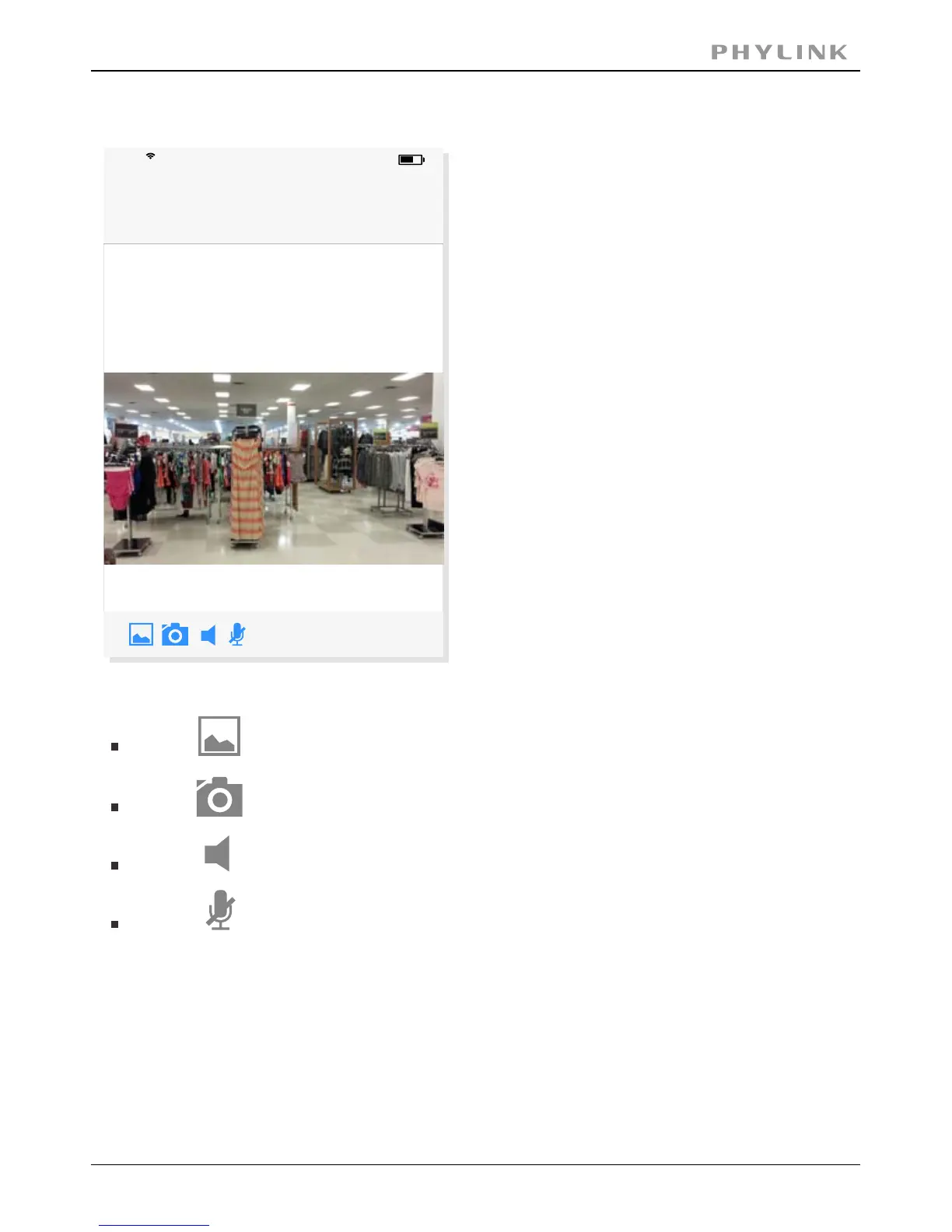
Press on the Camera name from “ ” for "Live View" using a wired connection.Camera List
Press the "Back" button to go back to the “ ”.Camera List
Press to View saved pictures.
Press to take a snapshot.
Press to start listening or stop listening.
Press to start speaking or stop speaking.
PHYLINK Covert Network Camera User Manual
Live View
17:50
63%
Back
Camera
Online / LAN
768x432 / FPS: 16 / BPS: 154 Kbps
iPhone



 To Next Page