PHYLINK Covert Network Camera User Manual
Apply
Test
Search...
Enable
Disable
Wireless Setup
Wireless:
SSID:
Mode:
Security mode:
(Select infrastruture mode using wireless router.)
Camera
Network
Wireless Setup
TCP/IP Setup
DDNS Setup
UPNP Setup
P2P Setup
Storage
Task
Tools
Infrastructure
TP-LINK_4B8C68
WPA2PSK
Encryption type:
AES
WPA Key:
Re-type WPA Key:
Live View
Wizard
System
Support
Reboot
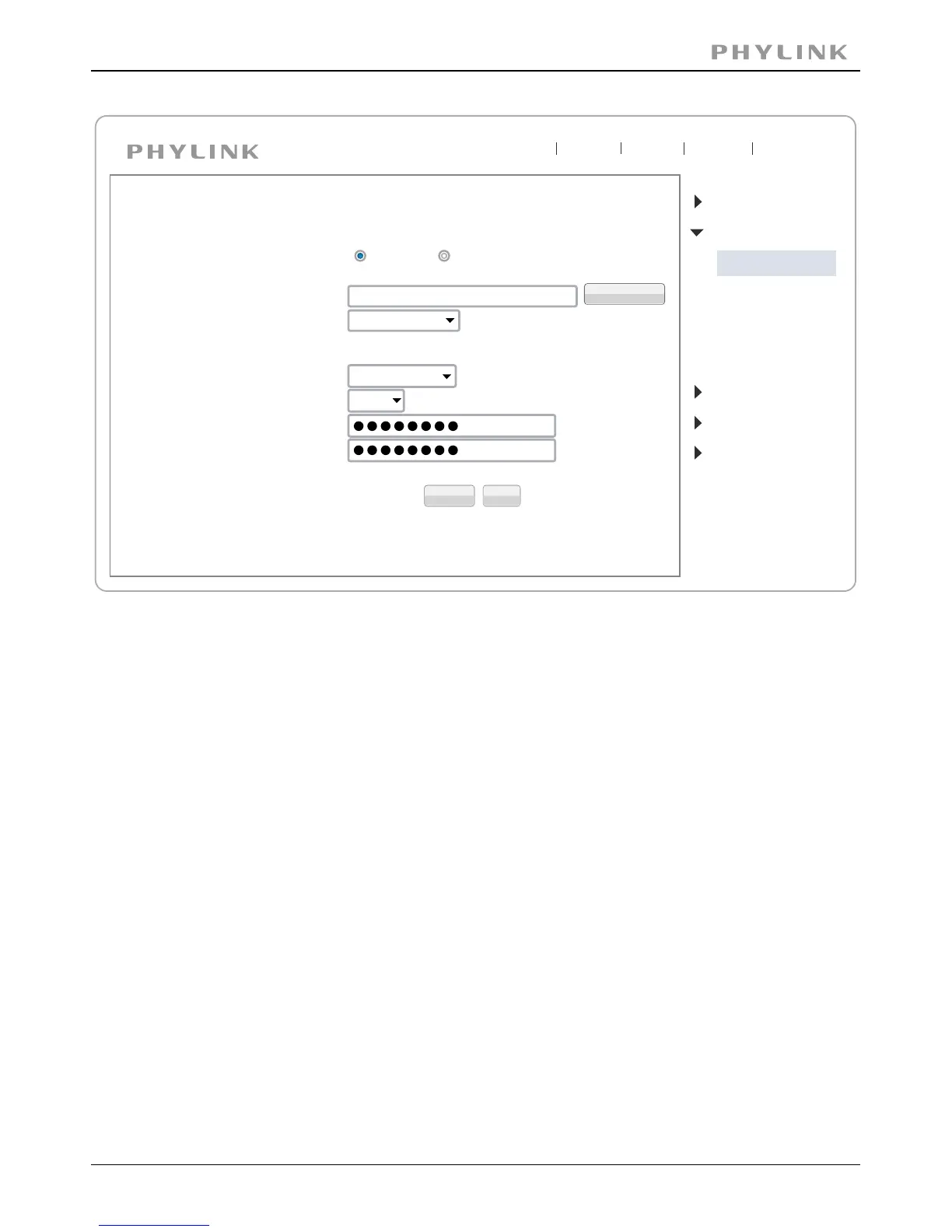
Do NOT change any of the settings ( SSID, Mode, security mode, Encryption type )
Enter the "WPA Key".
Note: WPA Key also known as wireless key or password and they are case sensitive.
Now you should click the " " button to check if all the information about theTest
wireless was entered correctly.
If the test reports "Success!" you can remove the network cable and the camera
should work through wireless network after a short delay.
Click the " " button and then "Wireless setup accepted successfully" messageApply
will be displayed.


 To Next Page
 Loading...
