PHYLINK Covert Network Camera User Manual
Network Setup
17:52
62%
Back
WiFi Networks
Data & Time
WiFi Networks
17:52
62%
Back
CHOOSE A NETWORK...
D-Link_DIR-612
TP-Link_245416
FAST_11DA2E
phr-002
Enter Password
17:52
62%
Cancel
Join
Password
After a successful wireless setup, you can remove the network cable and the camera should
work through the wireless network after a short delay.
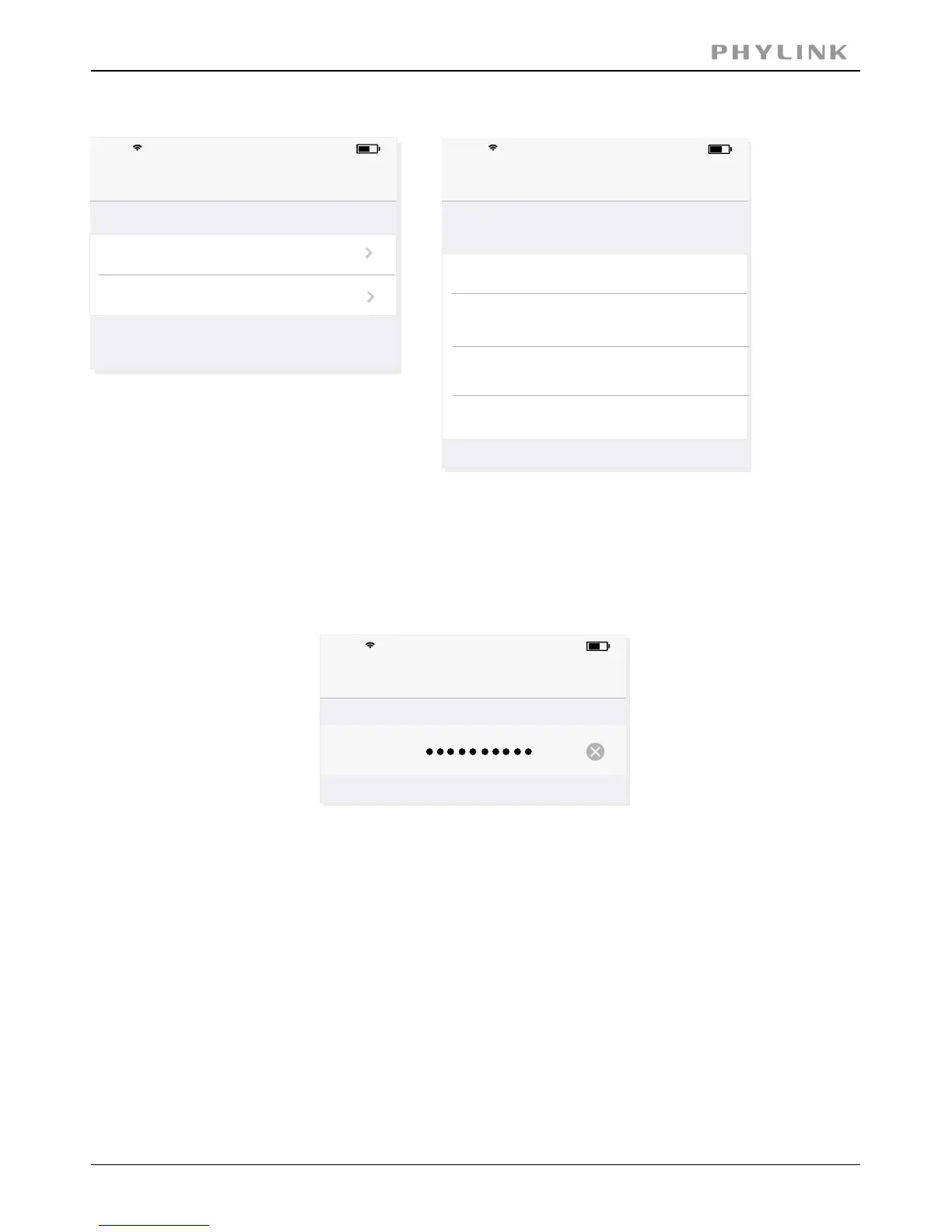
Press , then the App will search for available wireless networks,WiFi Networks
select your network among this list.
Type your Wi-Fi password and press the “ ” button to complete the Wi-Fi setup.Join
iPhone
iPhone
iPhone



 To Next Page