Option 2
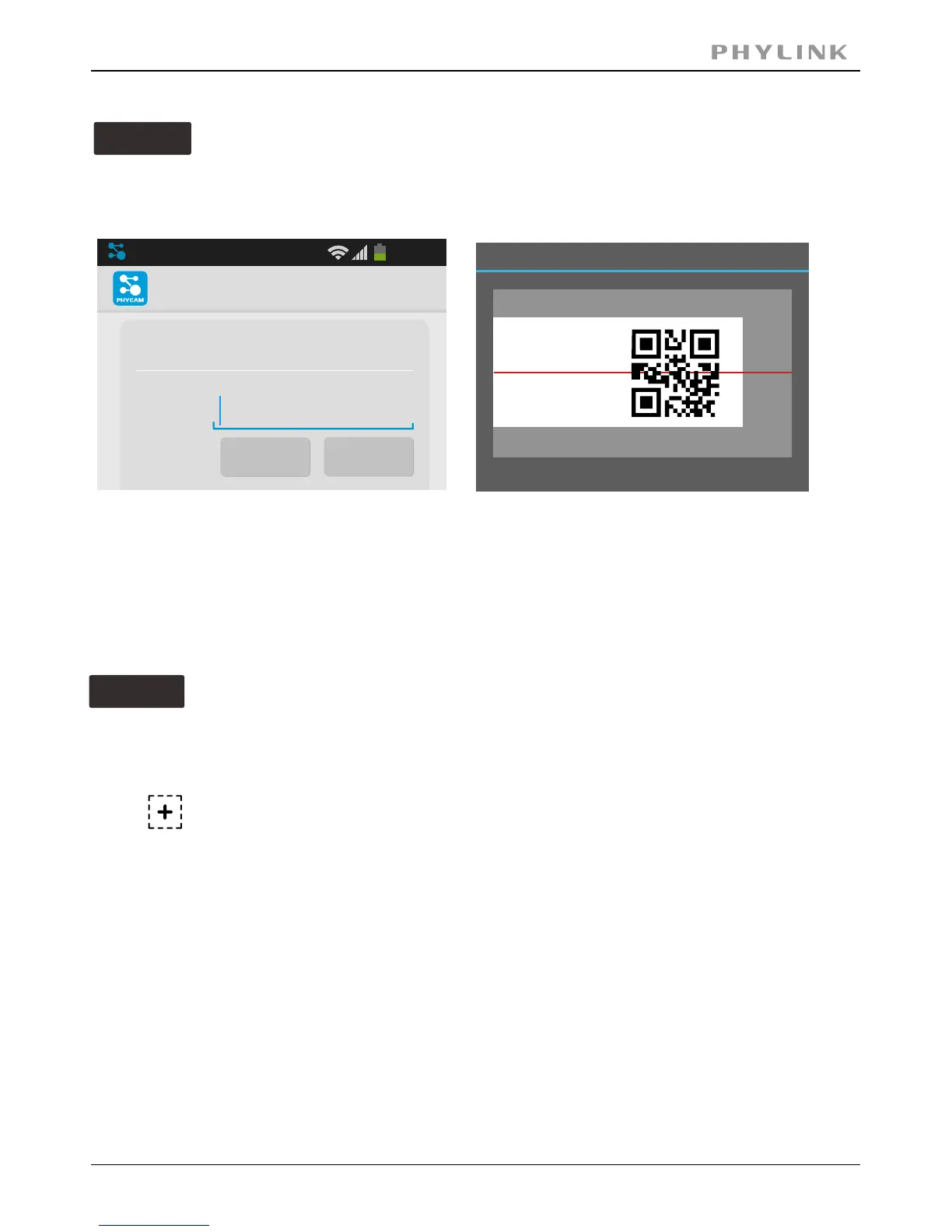
Scan the camera UID using smart phone
Enter " ". (default password is "admin".)Password
Assign a " " to the camera to help identify this camera if more than oneName
camera is in use.
Press " " button and your camera will show up under “ ”.Save Camera List
Manually type UID
Option 3
If you camera is not in the same Local Area Network with your Smart phone,
the App can NOT search cameras for Local Network.
Enter " ". (default password is "admin".)Password
Assign a " " to the camera to help identify this camera if more than one cameraName
is in use.
Press " " button and your camera will show up under “ ”.OK Camera List
Add Camera
Device Setting
UID:
Search
Scan
20:46
Place a barcode inside the viewfinder rectangle to scan it.
Barcode Scanner
PHYLINK Covert Network Camera User Manual
Press " " button toScan scan the camera UID from the UID sticker on the .Main Unit
Press and manually type " " according to the UID sticker on theUID Main Unit.



 To Next Page