PHYLINK Covert Network Camera User Manual
User Name: admin ( The default User Name is "admin". )
Password: admin ( The default password is "admin". )
Note: When using the camera for first time on a PC with Internet Explorer, the user
may be prompted to select allow installation of "Active X" control. It is perfectly safe
to install this add-on, so click "Allow" to install.
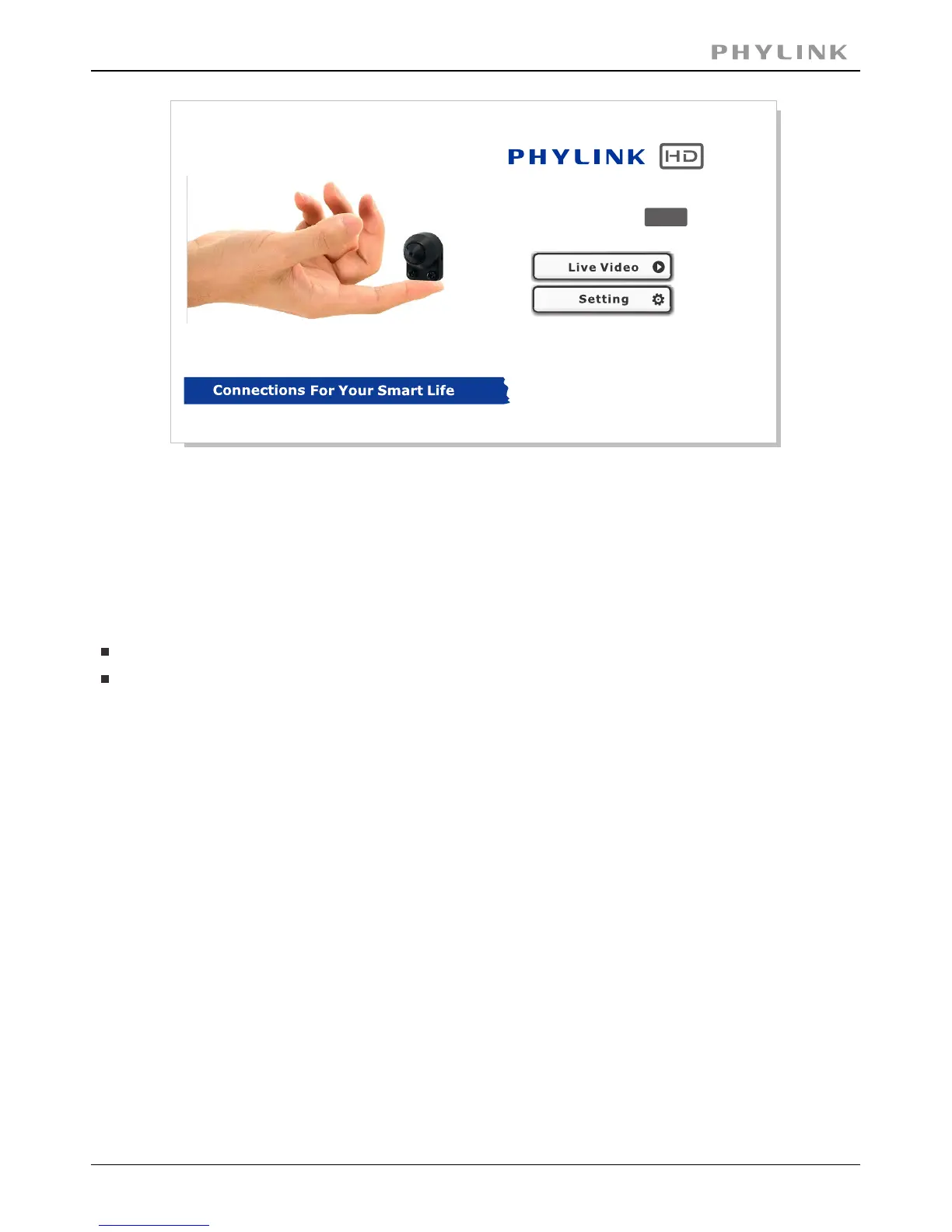
Click the " " button to view live camera.Live Video
Click the " " button to setup your camera with its various settings.Setting
The address in the web browser’s address bar should look something like
http://192.168.1.50 – this is your cameras local IP address.
When prompted for authentication use the following information.
Camera Homepage
PLC-128PW
Covert Network Camera
720P



 To Next Page