Apply
Test
Search...
Enable
Disable
Wireless Setup
Wireless:
SSID:
Mode:
Security mode:
(Select infrastruture mode using wireless router.)
Camera
Network
Wireless Setup
TCP/IP Setup
DDNS Setup
UPNP Setup
P2P Setup
Storage
Task
Tools
Infrastructure
TP-LINK_4B8C68
WPA2PSK
Encryption type:
AES
WPA Key:
Re-type WPA Key:
Live View
Wizard
System
Support
Reboot
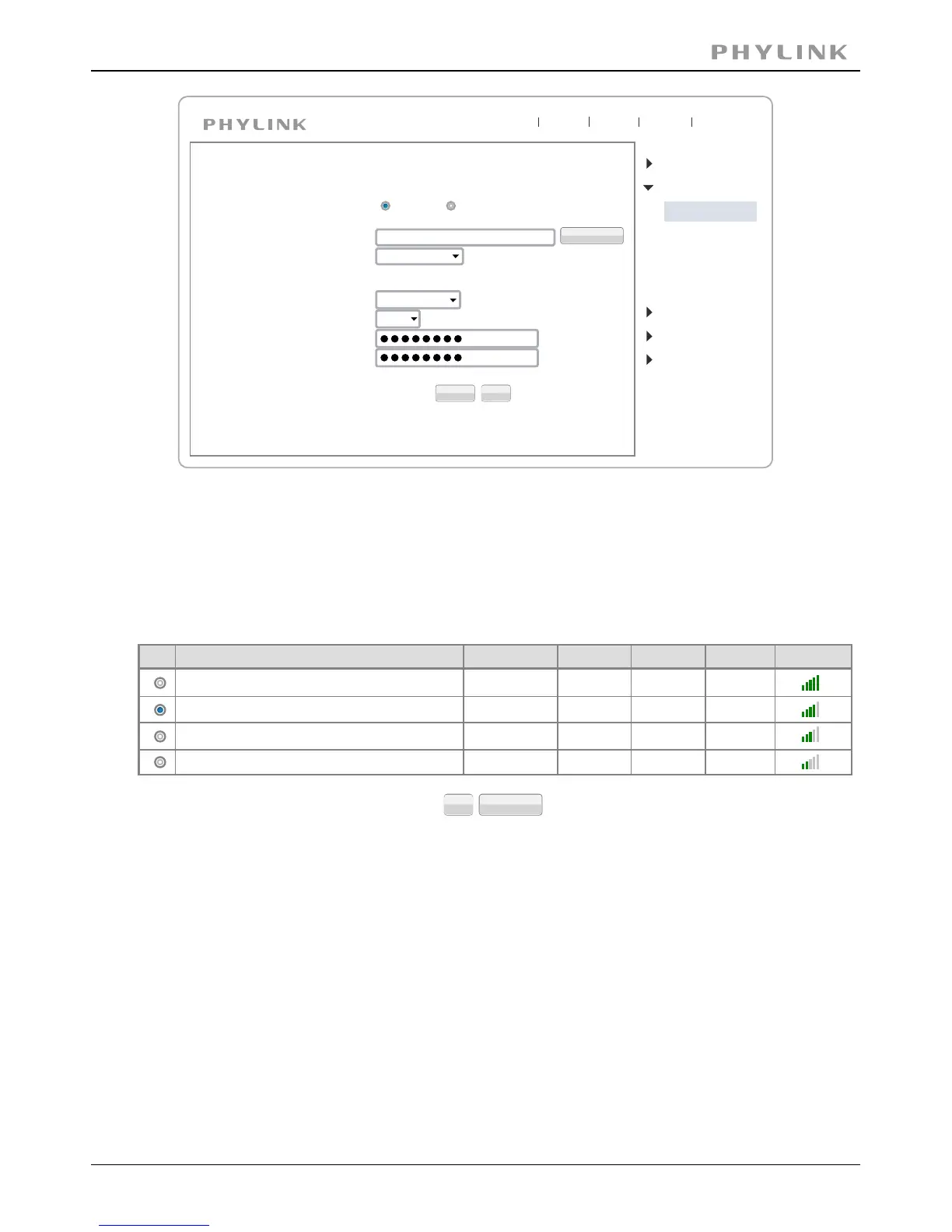
[Security mode] Security mode is not only WEP64bit or WEP128bit but also WPA-PSK
or WPA2-PSK.
TKIP and AES.[Encryption type]
Type 8-63 characters as password.[WPA key]
Re-confirm the password.[Re-type WPA key]
SSID
Mode
Channel
Auth
Encrypt
Signal
wirelessnc
TP-LINK_4B8C68
FAST_3AC1FE
Tenda_0B0458
Infrastructure
Infrastructure
Infrastructure
Infrastructure
9
1
13
13
OPEN
WPA2PSK
WPA2PSK
WPA2PSK AES
AES
AES
NONE
OK Cancel
When click search ,see figure above.
select the network name you searched .[SSID]
Infrastructure mode and Adhoc mode[Mode]
It show out the strength of signal[signal]
on and off.[Encryption]
Click to save changes.Apply
Click to test whether connection is successful.Test
PHYLINK Covert Network Camera User Manual
64



 To Next Page