5 SAFETY PRECAUTIONS
User’s Manual Planmeca ProOne 7
External equipment intended for connection to signal
input, signal output or other connectors, shall comply with
relevant IEC standard (e.g. IEC 60950 for IT equipment
and the IEC 60601 series for medical electrical
equipment). In addition, all such combinations - systems -
shall comply with the standard IEC 60601-1 Cl. 16.1,
Safety requirements for medical electrical systems.
Equipment not complying to IEC 60601 shall be kept
outside the patient area (more than 2m (79 in.) from the X-
ray unit).
Any person who connects external equipment to signal
input, signal output or other connectors has formed a
system and is therefore responsible for the system to
comply with the requirements of IEC 60601-1 Cl. 16.1.
If in doubt, contact your service technician or local
representative for help.
Contact your service technician if you notice a decrease in
image quality.
If you take an exposure but the image does not appear in
the Planmeca Romexis program, you can import the
image manually into Romexis. Refer to the Planmeca
Romexis User's Manual for details.
Do not handle liquids near or on the X-ray unit.
Never place or hang any objects on any part of the X-ray
unit.
Make sure that neither you nor your patient can get caught
or hooked up on any part of the X-ray unit. Keep loose
items of clothing, hair and jewellery tucked away safely.
Do not attempt to remove any covers from the X-ray unit.
X-ray unit covers may be removed by service personnel
only.
Do not touch the arm structures when the X-ray unit is
moving.
When positioning seated patients (e.g. in a wheelchair)
always first move the C-arm down until the patient support
is approximately level with the patient’s mouth before you
position the patient in the X-ray unit.
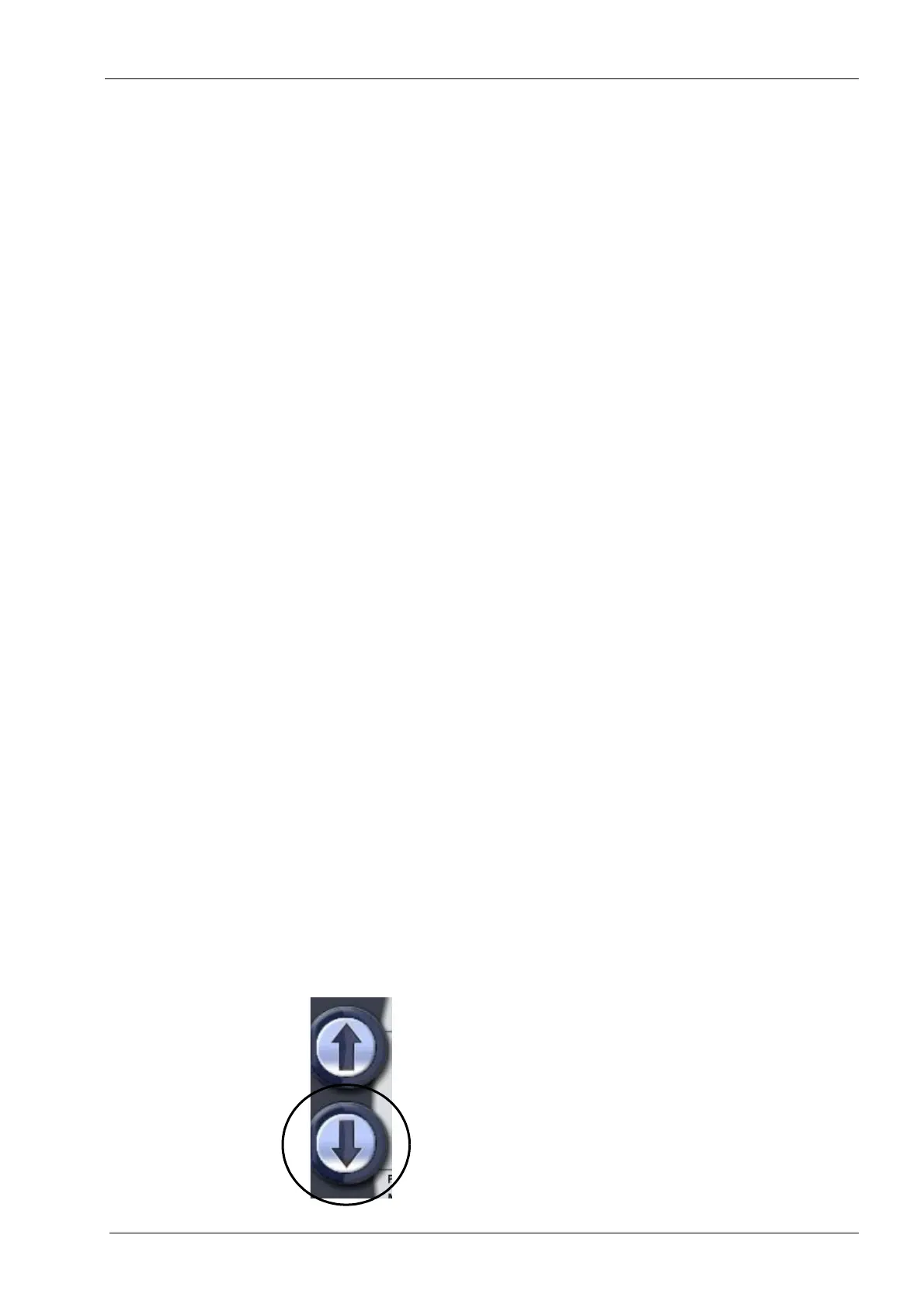
Make sure that there is no object under the X-ray unit
when you press the down button. If something is in danger
of becoming trapped, release the button immediately to
stop the movement. Clear any obstruction before pressing
the button again.














 To Next Page