9 CONTROL PANEL
18 Planmeca ProOne User’s Manual
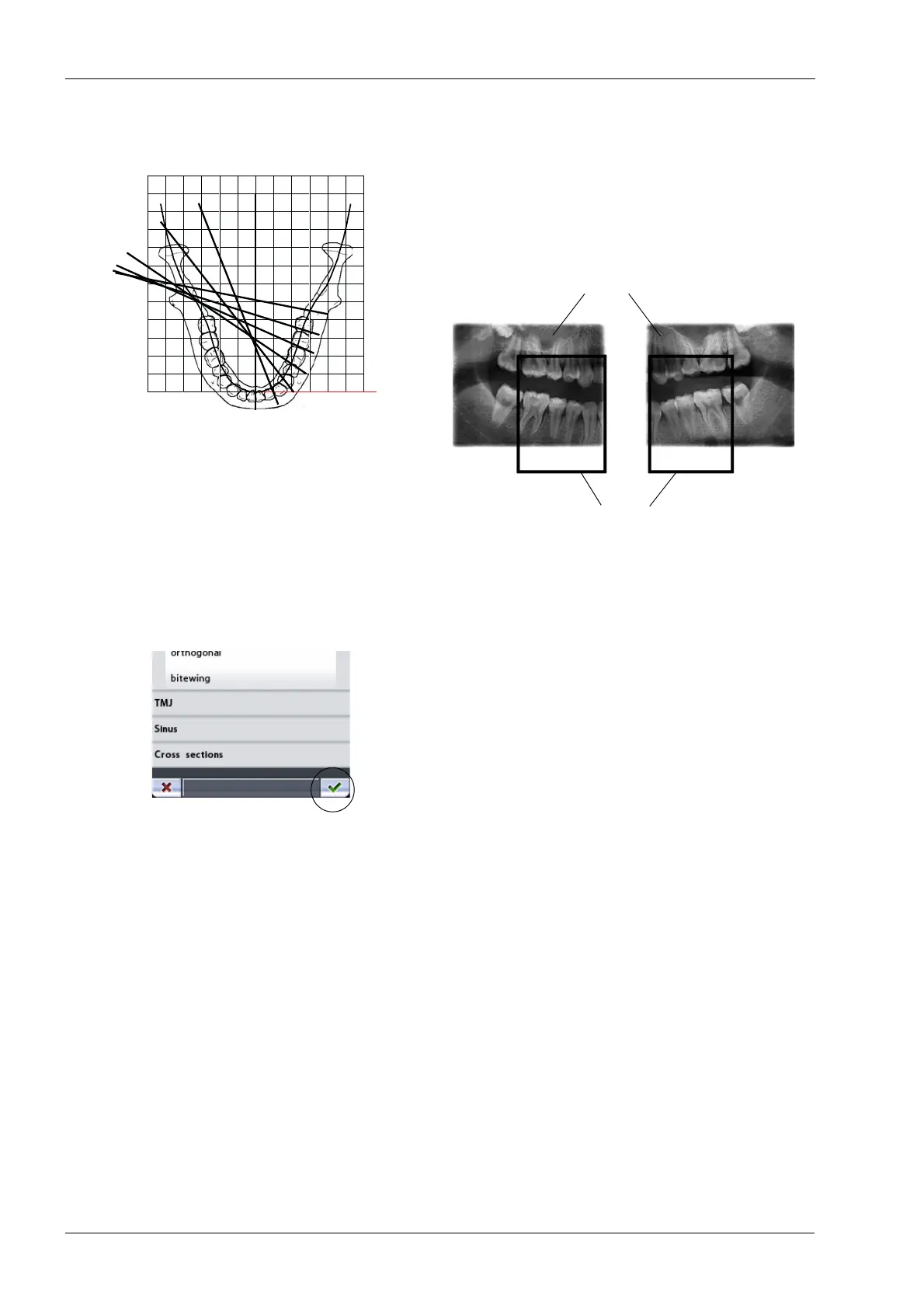
The Bitewing program produces bitewing-like images
from premolar and molar areas including parts of maxilla,
mandible and rami. The bottom of the maxillary sinus as
well as the mandibular canal and the mental foramen are
also visible.
The bitewing program uses improved interproximal
angulation projection geometry.
This program is optimized for interproximal imaging and a
shadow of the opposite side teeth may therefore be visible
in the radiograph.
Accept the selection and return to the main display by
touching the green check mark button in the bottom right
corner of the display.
Direction of beam
Bitewing
Image size for adult setting
Image size for child setting














 To Next Page