9 CONTROL PANEL
User’s Manual Planmeca ProOne 29
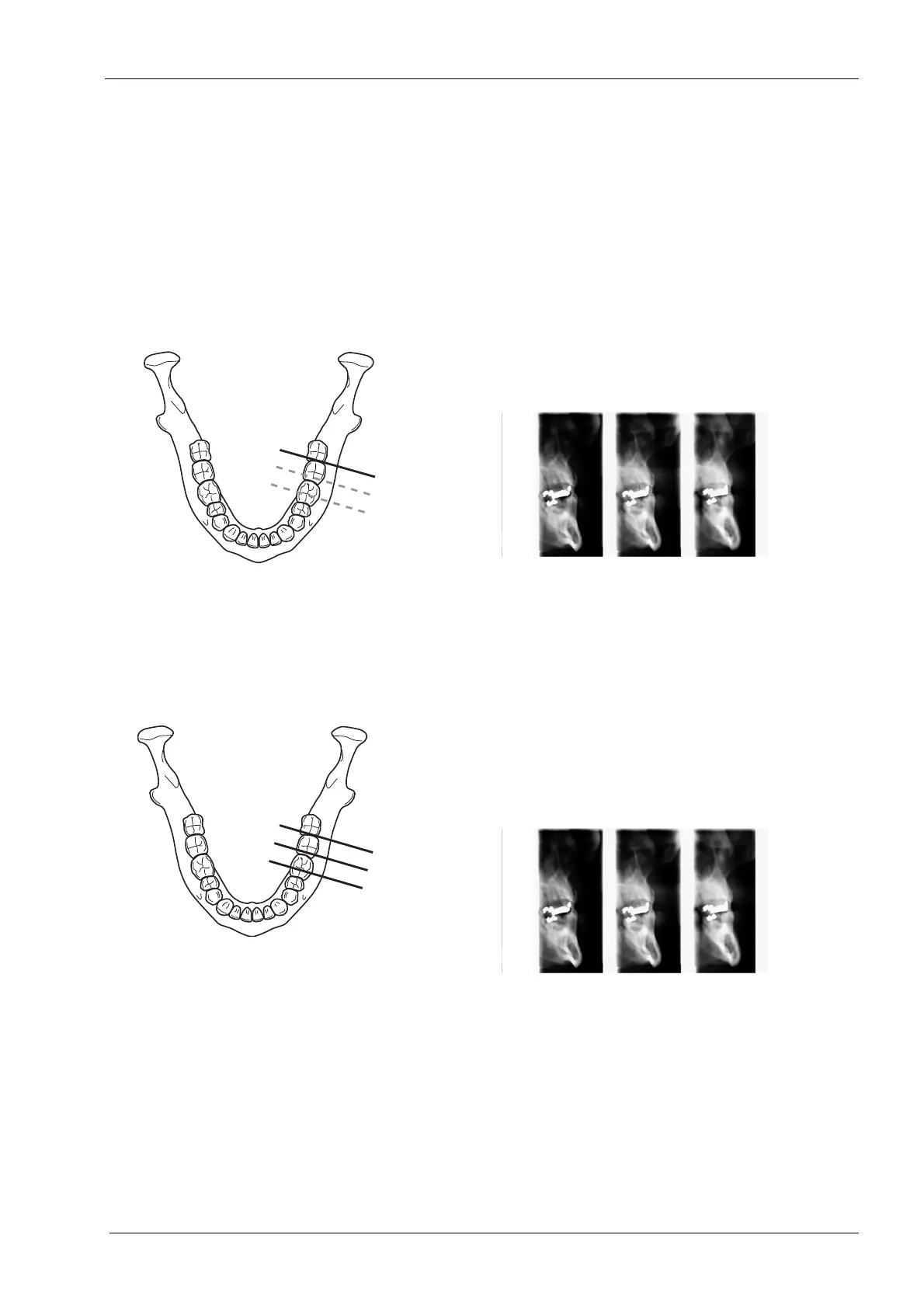
There are two cross-sectional exposure programs: Cross-
sections manual and Cross-sections automatic.
When the child setting (smallest patient size) is selected,
the image size and patient dose are automatically
reduced.
The manual program produces 1-3 cross-sections on the
left or right side of the upper or lower jaw in the premolar,
molar or TMJ areas. The imaging position is set manually
between exposures.
The automatic program produces three cross-sections on
the left or right side of the upper or lower jaw in the
premolar, molar or TMJ areas. The imaging position will
be automatically moved between exposures. The
movement step (distance from middle to middle) is
adjustable, and it can be 1-10 mm.
Accept the selection and return to the main display by
touching the green check mark button in the bottom right
corner of the display.














 To Next Page