10 PANORAMIC EXPOSURE
42 Planmeca ProOne User’s Manual
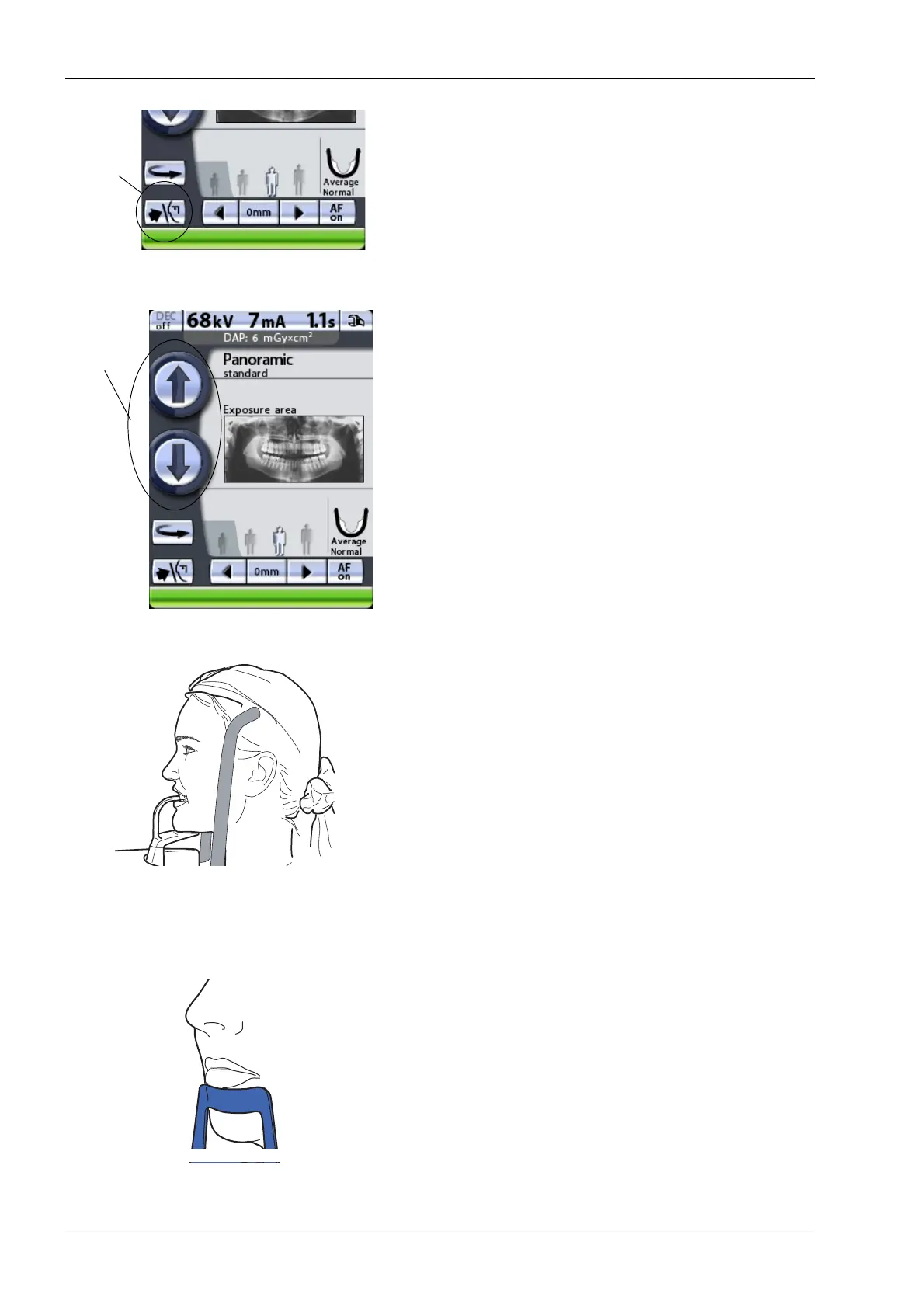
Touch the temple support button to open the temple
supports if they are not already open.
Guide the patient to the unit so that they are facing the
chin rest.
To adjust the height of the unit, press either of the height
adjusting buttons on the display until the chin rest is at the
level of the patient’s chin. Stretch and straighten the
patient’s neck.
The unit moves slowly at first, then faster.
Ask the patient to step forward, grasp the patient handles,
stretch up and bite the bite piece. The upper and lower
incisors must be in the groove in the bite piece.
Patients are not allowed to hang on the patient handles.
The pull-down force applied to the patient handles may not
exceed 15 kg (33 lb).
We recommend that you image patients with poor health
in a sitting position.
If you are using the chin support, position the patient so
that the chin, just below the lower lip, touches the top bar.
If you are using the chin support or chin cup, use for
example a cotton roll to ensure that the patient’s upper and
lower incisors do not overlap.














 To Next Page