14 SETTINGS
84 Planmeca ProOne User’s Manual
The program features that have been enabled and are in
use are shown highlighted on the
Program licences
(P2100)
display.
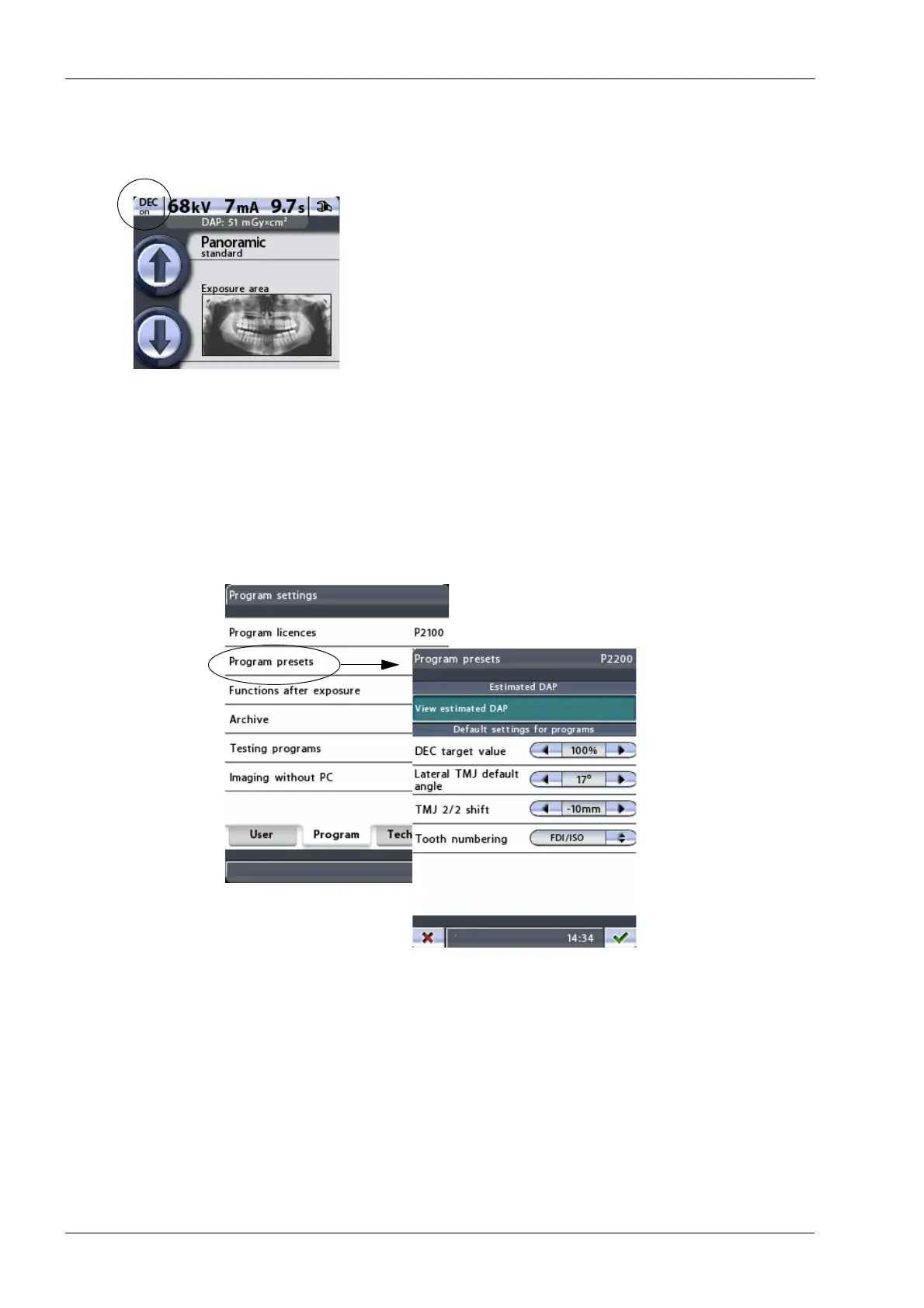
Additionally, when the program licence for DEC has been
activated a
DEC on/off
button will appear in the top left
corner of the main display.
Exit the
Program licences (P2100)
display by touching the
green check mark button in the bottom right corner of the
display.
If required, program features can be deactivated by
selecting a highlighted feature on the
Program licences
(P2100)
display and entering its licence code as described
above.
14.2.2 Program presets (P2200)
To adjust program default settings, first select the option
Program presets (P2200)
on the
Program settings
display. The
Program presets (P2200)
display will appear.
• Estimated DAP
Touch the
View estimated DAP
field to set the X-ray unit
so that the estimated Dose Area Product (DAP) value will
be shown on the main display. The DAP value indicates
the highest radiation dose the patient will be exposed to
during the exposure.
The
View estimated DAP
field is highlighted when the
function is switched on. To switch off the function, touch
the
View estimated DAP
field again.














 To Next Page