14 SETTINGS
User’s Manual Planmeca ProOne 85
• Default settings for programs
DEC target value: Touch the arrow buttons in the
DEC
target
value
field to adjust the setting for DEC (Dynamic
Exposure Control) target value. DEC target value is
expressed in percentage in comparison to DEC
calibration value. The setting can be adjusted between
50% (lower exposure values -> brighter image) and 200%
(higher exposure values -> darker image). The
recommended setting is 100% (default value).
DEC target value will be shown on the
Program presets
(P2200)
display only if DEC has been activated on the
Program licences (P2100)
display.
Lateral TMJ default angle: Touch the arrow buttons in the
Lateral TMJ default angle
field to adjust the setting. The
factory default imaging angle for lateral exposures is 17
degrees.
TMJ 2/2 shift: Touch the arrow buttons in the
TMJ 2/2 shift
field to adjust the setting for the automatic shift. The
setting determines the imaging position for the second
(2/2) exposure in Double lateral and Double PA TMJ
programs. The shift can be adjusted between -15 mm and
0 mm. The factory default setting is -10 mm, i.e. the
imaging position will move 10 mm forward for the open
jaw exposure (2/2).
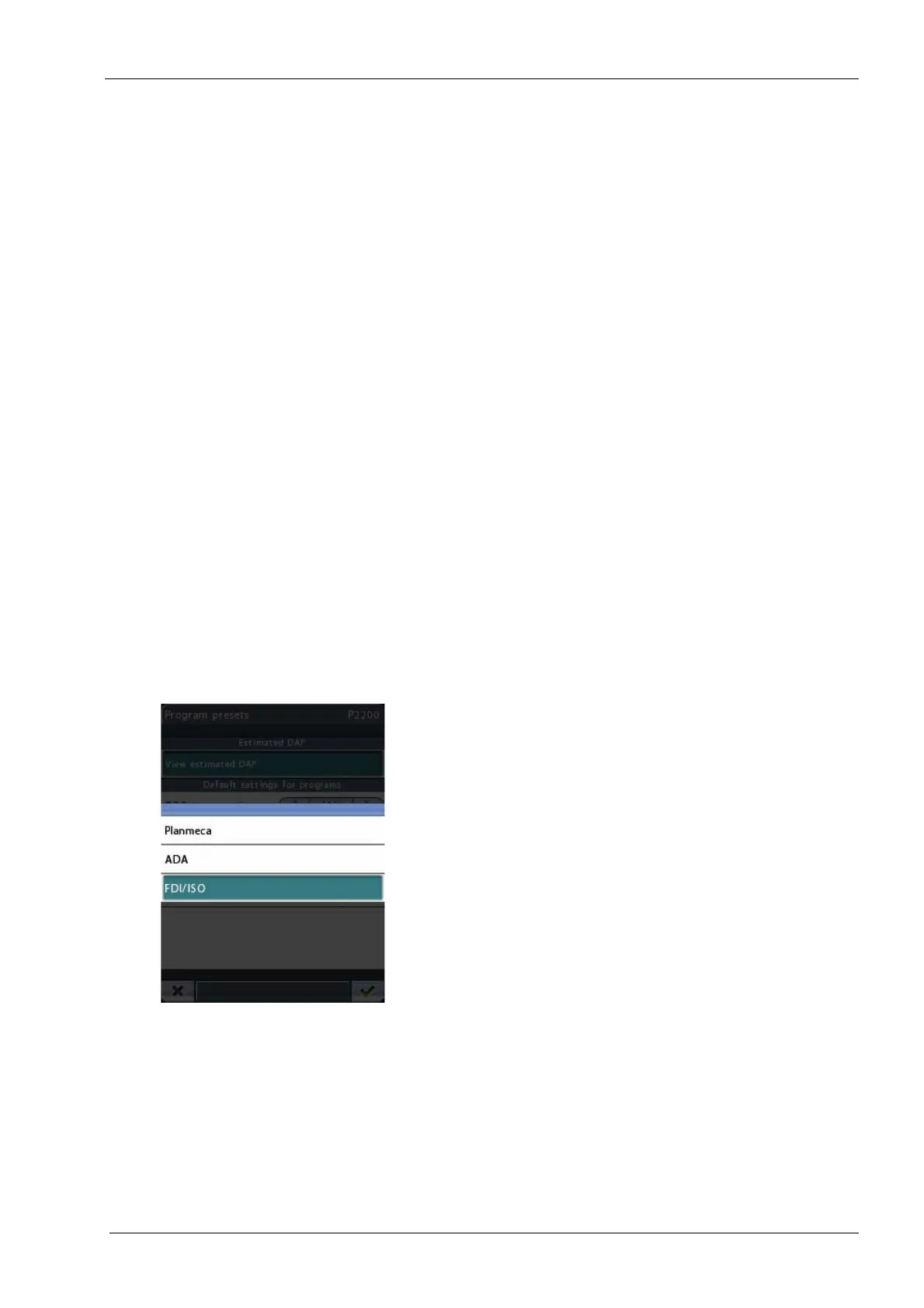
Tooth numbering: Touch the arrow buttons to select the
tooth numbering system you want to use in cross-
sectional programs. The options are:
• Planmeca: 0-8, TMJ
• ADA: TMJ, 1-4, 13-16, 17-20, 29-32, TMJ
• FDI/ISO: TMJ, 18-15, 48-45, 25-28, 35-38, TMJ
Tooth numbering will be shown on the
Program presets
(P2200)
display only if cross-sectional programs have
been activated on the
Advanced programs (P2100)
display.
Accept your selection by touching the green check mark
button in the bottom right corner of the display. To exit the
display without saving the changes, touch the red cross
button in the bottom left corner of the display.














 To Next Page