TR-3-6
4 August 2009
3.1.6 UPPER OUTFEED COVER
COVERS
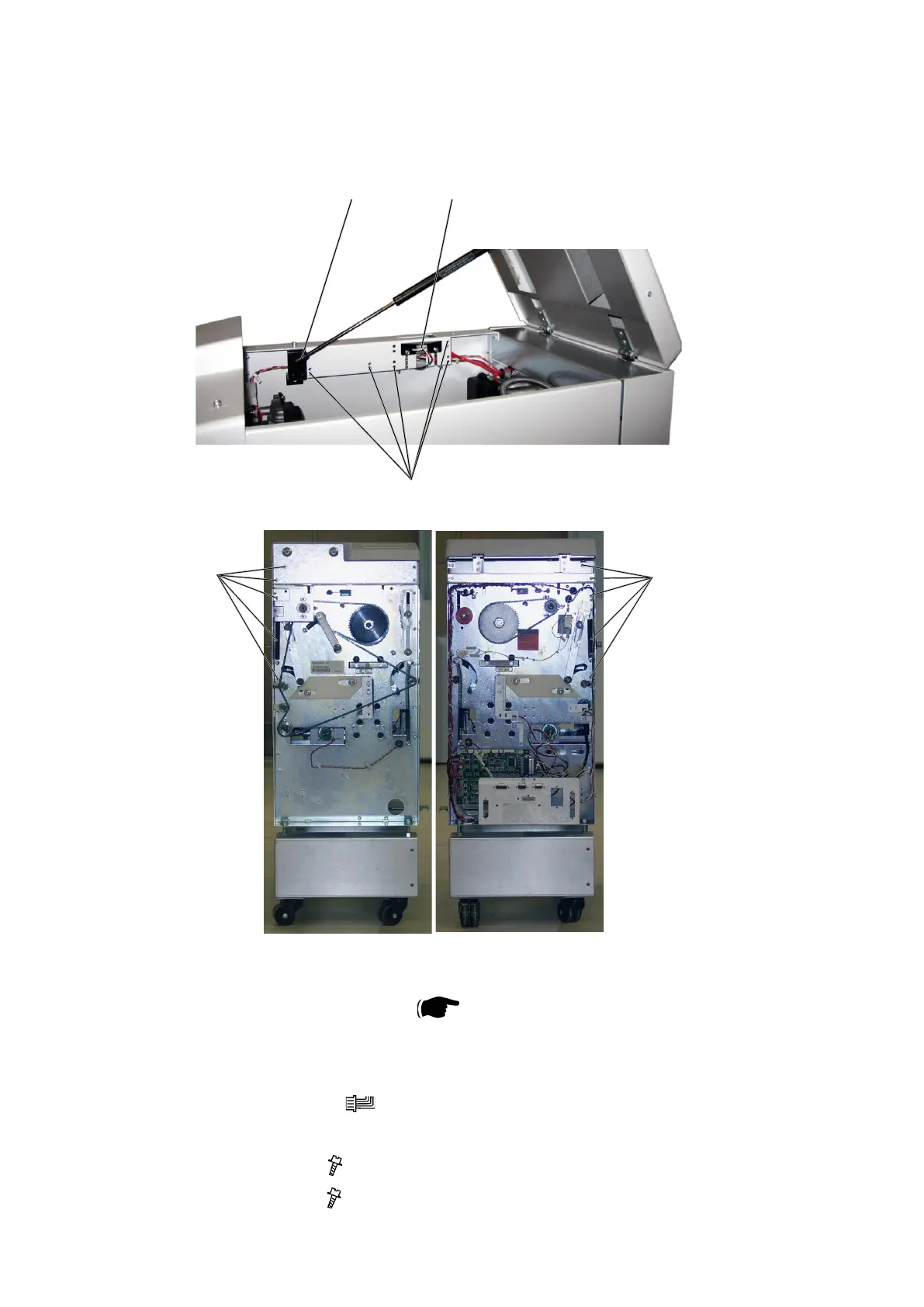
1. Remove Belt stacker.
2. Remove Front and Rear cover (
3.1.1).
3. Open the Top Cover.
4. Remove the Gas spring [A] by prying it off using a screw driver.
5. Remove connector [B] (
x1).
6. Cut cable ties [C] inside cover.
7. Remove screws [D] (
x5).
8. Remove screws [E] ( x5).
[A]
[C]
[B]
[D]
[E]



 To Next Page