Replacement
Adjustment
4 August 2009
TR-3-33
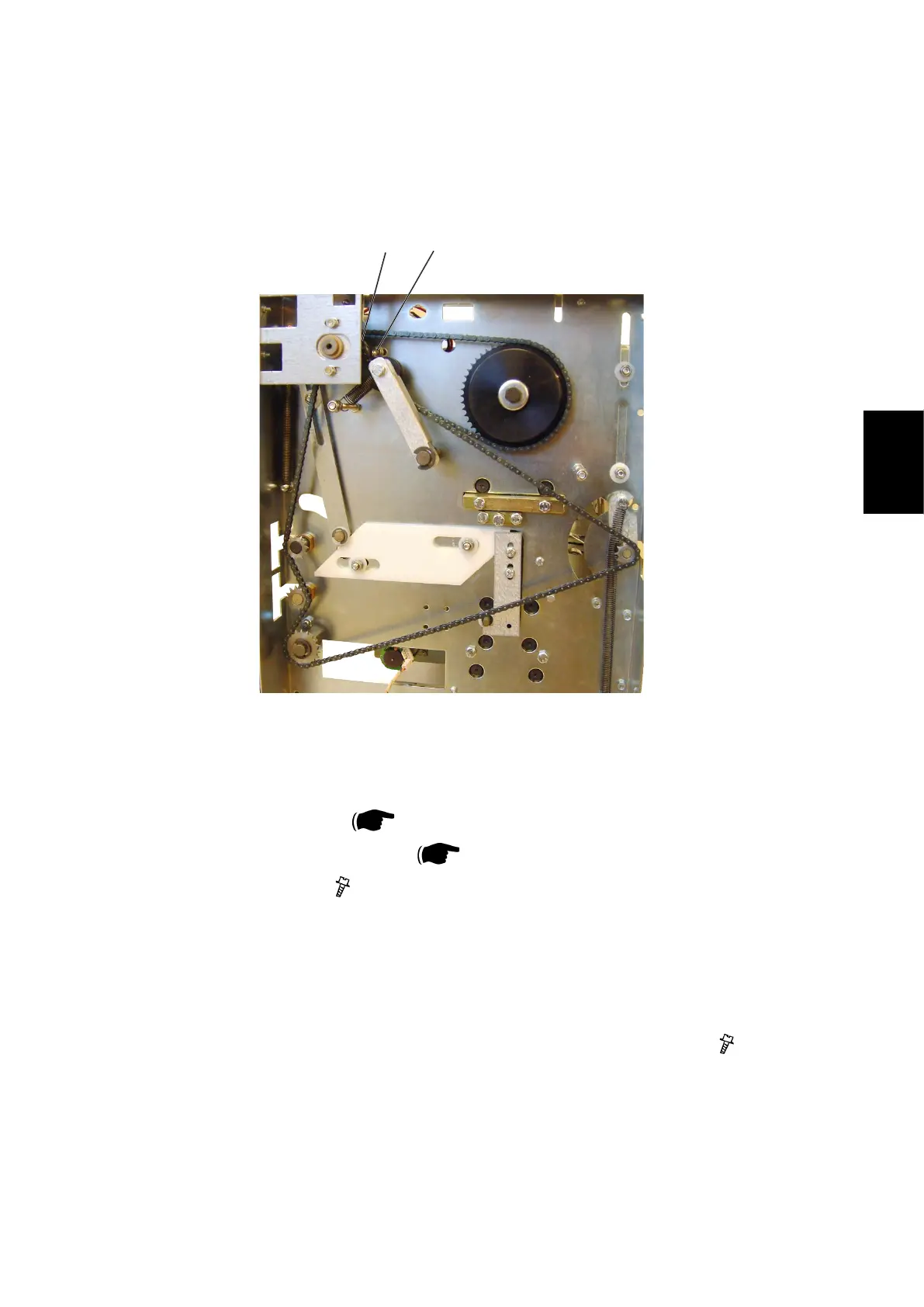
3.2.18 KNIFE SUPPORT CHAIN
AREA C
[A]
[B]
1. Remove Front cover (
3.1.1).
2. Remove Transmission chain (
3.2.17).
3. Loosen screws [A] ( x3).
4. Remove chain from sprocket [B].
Replacement
1. Reverse the removal procedure.
2. Tension the chain so there is no slack when tightening screws [A] (
x3).



 To Next Page