Replacement
Adjustment
4 August 2009
TR-3-35
3.2.20 INFEED BELTS
Removal
1. Undock the Trimmer.
2. Remove Infeed cover ( 3.1.4).
3. Remove Front and Rear cover (
3.1.1).
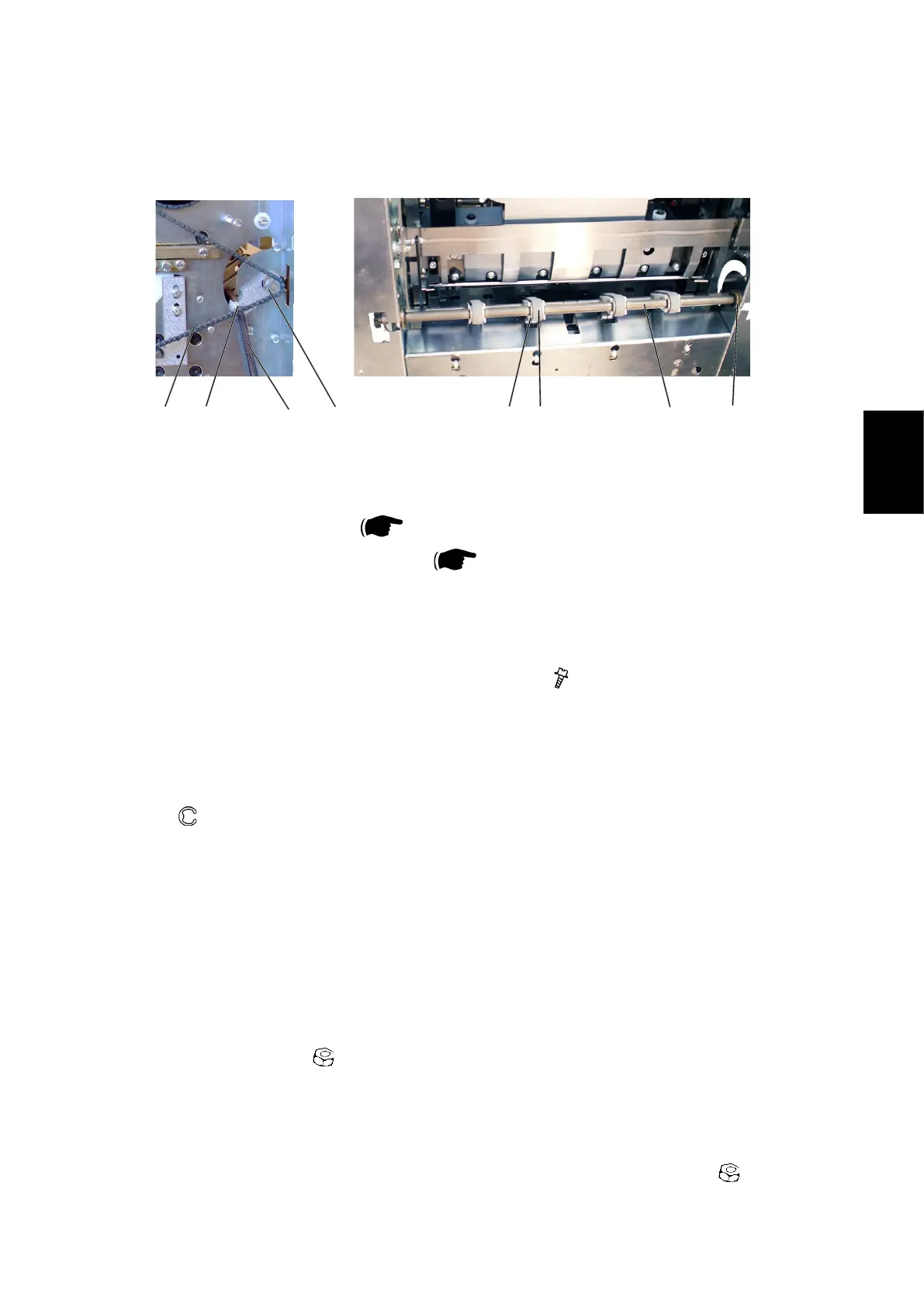
4. Unhook Transmission chain [E] from sprocket [F].
NOTE:Unhookingchainfromoutfeedshaftsprocketsrsttogainmoreslack.
5. Unhook Springs [A] on both ends of the shaft (x2).
6. Remove screws [B] on both ends of the shaft (
x2) .
7. Remove Plastic retaining clips [G] (x8).
8. Remove Belts [D] (x4) from Lever shaft [H].
NOTE: Move the belts to one end and the lever shaft to the opposite end.
9. Removee-clip[C]andslideangebushingtowardsthecenteroftheshaft.
( x1)
10. Tilt the shaft out through the cut-out in the side frame on that end to
remove the Belts [D] (x4).
Replacement
1. Reverse the removal procedure.
Adjustment
1. Loosen nuts [B] (
x2) slightly.
2. Place a piece of paper (80 gsm) between the two center belts and the ball
bearings.
3. Pull the sheet a little, by each of the center belts to verify even pressure.
4. Unskew shaft until even pressure is obtained and tighten nuts [B] (
x2).
[A][B]
[C]
[D]
[E] [F]
[G] [H]
AREA C



 To Next Page