14
Customer Support 1-855-IMI-POGO (464-7646) • www.presspogo.com
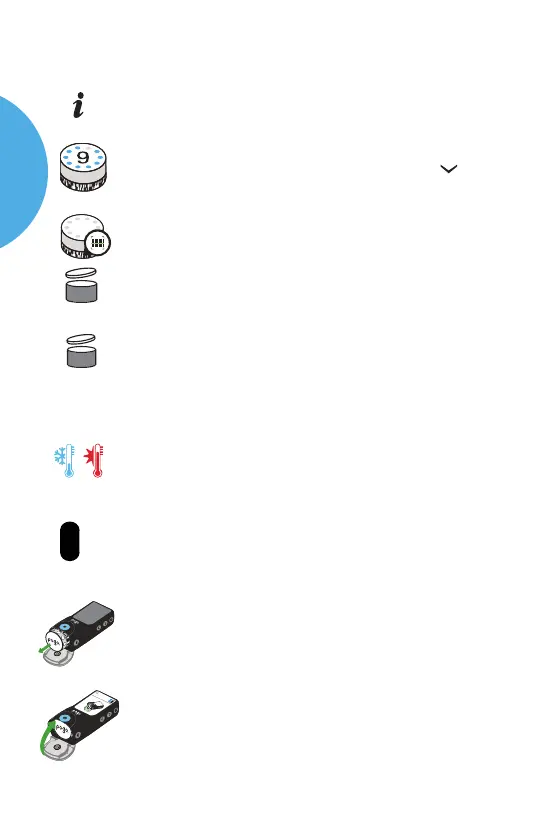
Symbol Description
Check for troubleshooting
The number of tests remaining in the current
cartridge. Decreases to 0 as you test. Press the
scroll button to see number of tests remaining
Reading the barcode on the cartridge
This symbol appears if you remove a partially-used
cartridge and reinsert it
Open expiration date
(X = the # of days from the time the cartridge foil cup was
opened. The meter will display this as a number.)
Meter temperature is out of operating
temperature range
E
C
Cartridge is past expiration date
Remove cartridge. This is displayed along with an
alert/error code (See Troubleshooting on page 75)
Cartridge door is open
?
Xd
Warnings
Cold Hot
2:15 PM
5/1/2020
9
Informational Symbols
POGO
AUTOMATIC
SYSTEM



 To Next Page