23
Customer Support 1-855-IMI-POGO (464-7646) • www.presspogo.com
Turning On/O Meter
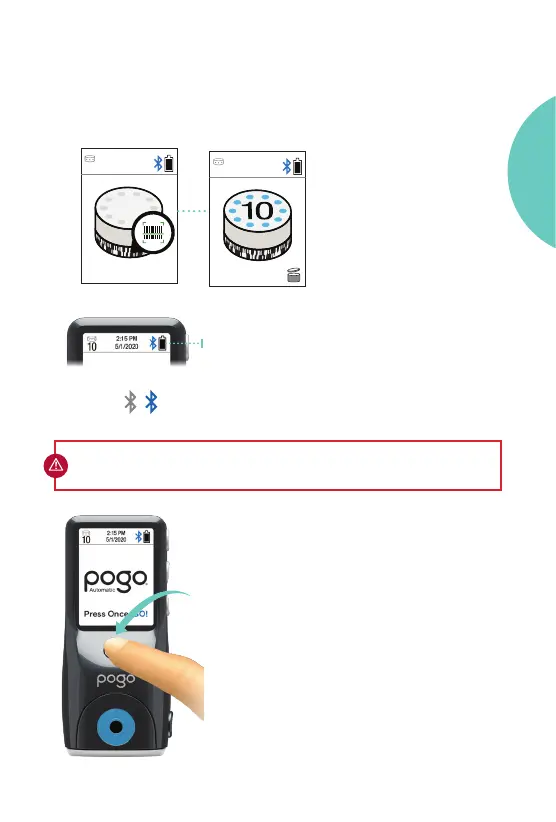
• To perform a blood glucose or Control
Solution Test, turn ON meter by pressing
the power button. A screen check will
appear rst to indicate display is working.
• Aer a completed test, you can turn o
the meter by pressing the power button or
• The meter will automatically turn o in
30 seconds.
Status Bar
The number of tests remaining and the time
and date appear on the display when the
meter is on.
IMPORTANT: Be sure to set the correct time and date on your meter before
testing (see Setting Up Your Meter on page 55).
• Close the cartridge door. Cartridge will
automatically rotate into testing position.
No coding is required. A new cartridge
will show 10 tests.
Bluetooth
On
O
2:15 PM
5/1/2020
10
15d
5/1/2020
X
GETTING
STARTED



 To Next Page