98
156
222
8:15 A
5/1
3:55 P
4/30
10:35 A
4/30
8:25 P
4/29
mg/dL
8:25 A
4/28
mg/dL
86
7 Day
n = 31
266
14 Day
n = 76
251
30 Day
n = 100
251
90 Day
n = 252
mg/dL
+
-
+
-
50
Customer Support 1-855-IMI-POGO (464-7646) • www.presspogo.com
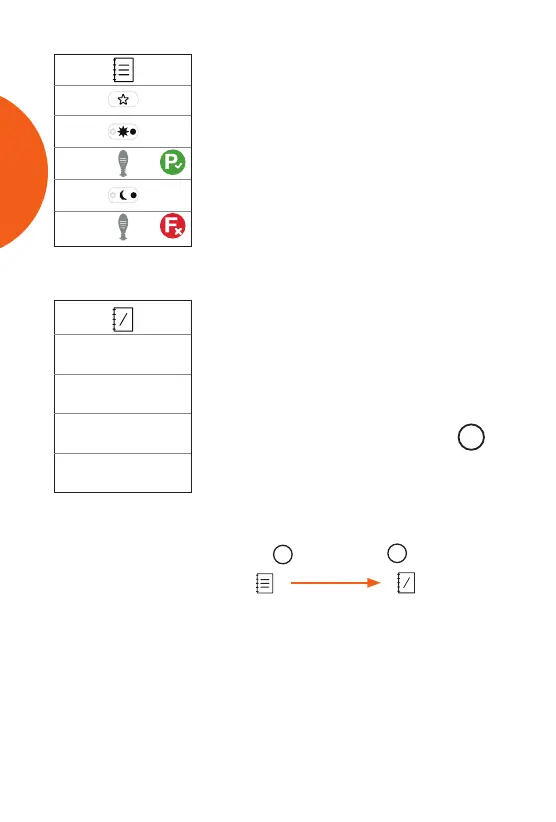
• Control Solution results appear as pass
or fail.
• To exit memory mode at any time, press
the power button or allow the meter to
automatically turn o aer 30 seconds.
M
Press
Press
M
again
Averages Mode
Memory Mode
7, 14, 30, & 90-Day Averages
You can view your result averages over
the last 7, 14, 30, and 90 days. The meter
displays the averages for each time period
on a dierent line.
• To access your averages, press the
M
button again (see diagram below) while
in Memory Mode. Your averages appear
along with the number of results in each
average (n= # of results in average).
Memory Mode
Logbook View
Averages Mode
7, 14, 30, 90-day
MEMORY



 To Next Page