98
mg/dL
8:15 AM
5/1/2020
49
Customer Support 1-855-IMI-POGO (464-7646) • www.presspogo.com
Recalling Results from Memory
In memory mode, you can view the last
500 test results, as well as result averages.
The symbol
appears indicating you are
viewing results from memory. The symbol
indicates you are viewing result
averages.
Viewing Test Results in Memory
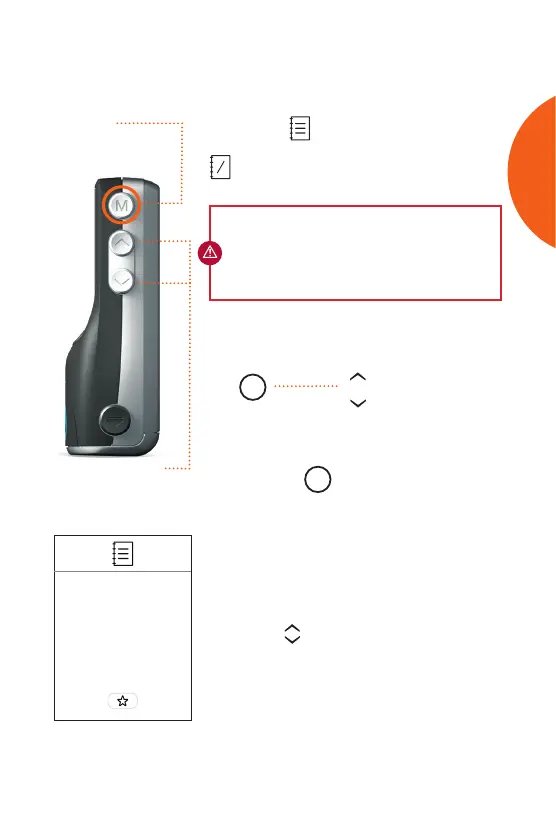
• To enter memory mode, press and
release the
M
button (see diagram
above). Do not hold down, as meter will
go to set-up mode.
• The most recent result appears with time
and date. If the result was marked as
pre- or post-meal, the corresponding
symbol appears with the result.
• Use the scroll buttons to move
through the logbook view.
+
-
IMPORTANT: Meter must be turned o to enter
Memory Mode. Do not press the power button
to access memory. This will turn on meter and
open a new test.
M
View Results
& Logbook
Press Scroll
Scroll Buttons
Move back and forth
through results in
memory
M Button
Access memory
and set-up menu
mode
Memory Mode
Most Recent Result
Memory
MEMORY



 To Next Page