54
Customer Support 1-855-IMI-POGO (464-7646) • www.presspogo.com
Setting Up Your Meter
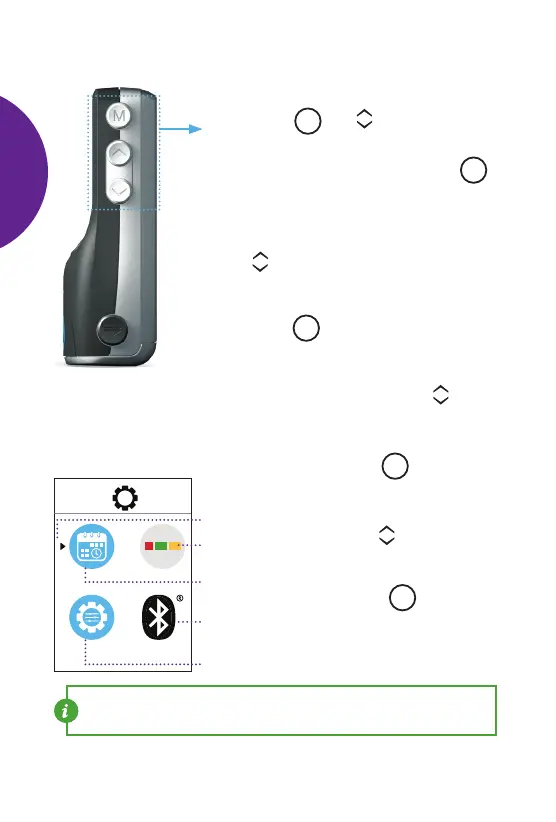
Using Set-Up Menu
On the side of the meter, look for the buttons
marked with
M
and You will use these
buttons during set up.
• To enter set up, press and hold the
M
button for three seconds until the Set-Up
Menu appears.
• To select a menu item to change, press
the scroll buttons. The blinking arrow
indicates which menu item you are
changing.
• Press the
M
button to conrm your
choice and see setting options you can
change for that item.
• To change the setting, use the scroll
buttons to turn items ON/OFF or to
increase/decrease the value of the setting.
• To complete, press the
M
button.
• In the Main Set-Up Menu,
use the scroll buttons
to move to the Settings
Menu you want to change.
Press the
M
button to
select.
Time/Date
Settings
Quick Graph
Settings
Selection arrow
Set-up
Settings
Bluetooth
Settings
Main Settings
NOTE: At any time, you can exit set-up menu by pressing the power
button.
SETTING
UP
METER



 To Next Page