Sound On
Adjust Brightness
57
Customer Support 1-855-IMI-POGO (464-7646) • www.presspogo.com
Set-Up Settings
Select the Set-Up Settings Menu from the
Main Set-Up Menu (see page 54).
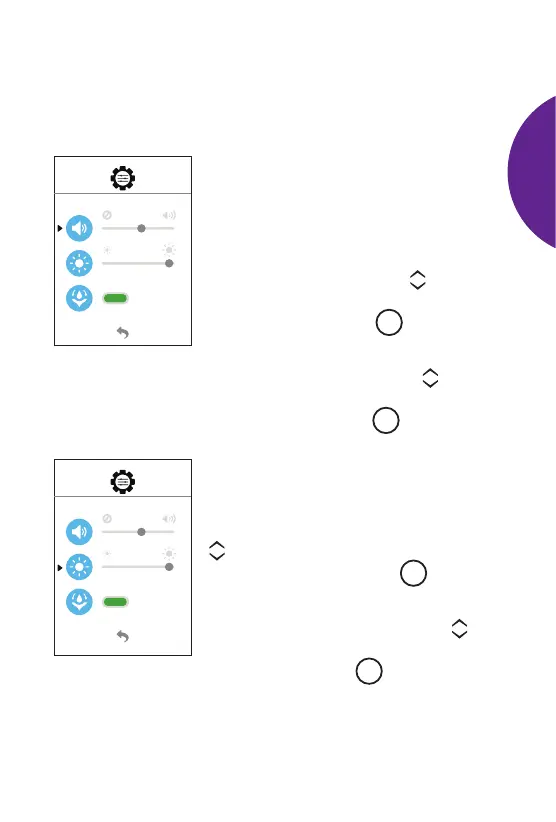
Sound
The meter uses sounds to alert you to
what is happening on the screen. If you
prefer, you can adjust the volume level of
these sounds or turn them o completely.
To adjust the volume, use the scroll
buttons to move the blinking arrow to the
sound symbol. Press the
M
button to
select this item to change.
• In the sound setting, use the scroll
buttons to select your volume level
preference. Press the
M
button to
conrm setting.
Meter Display Brightness
The meter display brightness can be
adjusted. To adjust the brightness, use the
scroll buttons to move the blinking arrow
to the sun symbol. Press the
M
button to
select this item to change.
• In the brightness setting, use the
scroll buttons to increase or decrease
the level. Press the
M
button to
conrm setting.
SETTING
UP
METER



 To Next Page