© 2017 PoolPak LLC. All rights reserved. MPK Series - Installation, Operation and Maintenance | 73
PoolPak
®
MPK Series IOM
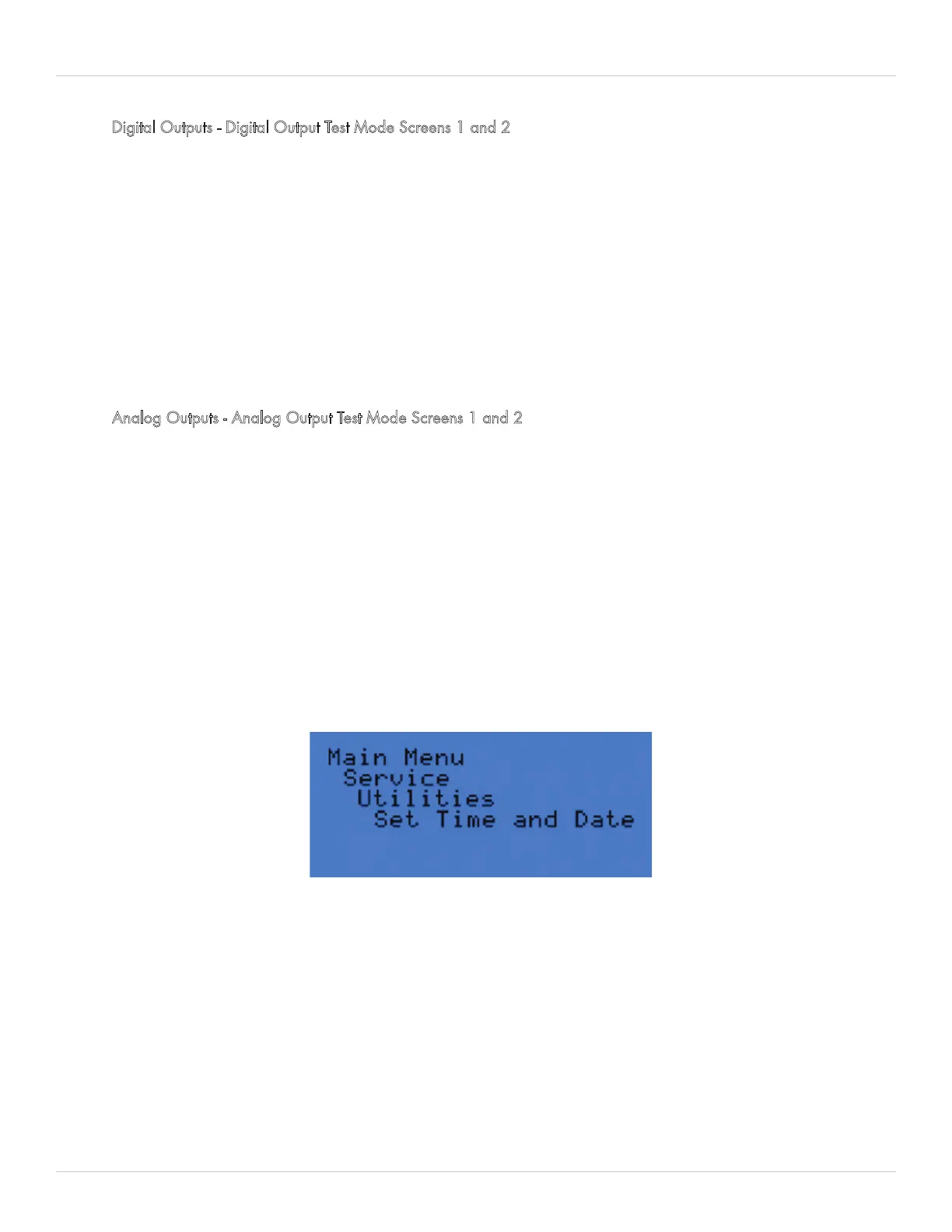
Figure 5-26. Utilities Menu - Set Time and Date
Digital Outputs - Digital Output Test Mode Screens 1 and 2
These screens are to be used to test the digital outputs. To test an output, press the enter key until the cursor is next to
the desired output and use the arrow keys to change to either OFF or ON then press the enter key. Available digital
outputs:
• SFan – Supply Fan
• Efan – Exhaust Fan
• PFan – Purge Fan
• RemEF – Remote Exhaust Fan
• PPump – Pool Water Pump (Smart Pump Output)
• Alarm – Alarm output
• AxHt1-3 – Auxiliary Heat Outputs 1 to 3
• AxCl1-3 – Auxiliary Cool Outputs 1 to 3
• AxWt1-2 – Auxiliary Water Heat Outputs 1 and 2.
Analog Outputs - Analog Output Test Mode Screens 1 and 2
These screens are to be used to test the analog outputs. To test an output, press the enter key until the cursor is next
to the desired output and use the arrow keys to select a desired setting. Available analog outputs:
• RcrcDpr – Recirculation Damper Position (Range 0 to 100.0 %)
• OutsDpr – Outside Air Damper Position (Range 0 to 100.0 %)
• EvapDpr – Evaporation/Bypass Damper Position (Range 0 to 100.0 %)
• AuxHeat – Auxiliary Heat Valve Position (Range 0 to 100.0 %)
• AuxCool – Auxiliary Cool Valve Position (Range 0 to 100.0 %)
• SupFan – Supply Fan Speed RPM (Range 0 to 2100)
• ExhFan – Exhaust Fan Speed RPM (Range 0 to 2100)
• PurFan – Purge Fan Speed RPM (Range 0 to 2100)
Utilities
The Utilities menu is holds the following additional system settings:
• Set Time and Date – Calibrating the local time and date for the PoolPak unit is important since this information is
used in the Fault History log and will give the exact time a fault has occurred.
• Passwords – Passwords are available for protecting both SetPoint Changes (0000) and Scheduling Changes
(0000) from unauthorized tampering.
• Units of Measure – Use this setting to convert the readings to either SI or Eng (English) units.


 To Next Page