PDR-7000 Operation Manual
15.Follow the same procedures as Steps 9 to
14 for the left eye.
The spherical power for the left eye is perfectly
refined.
16.Press
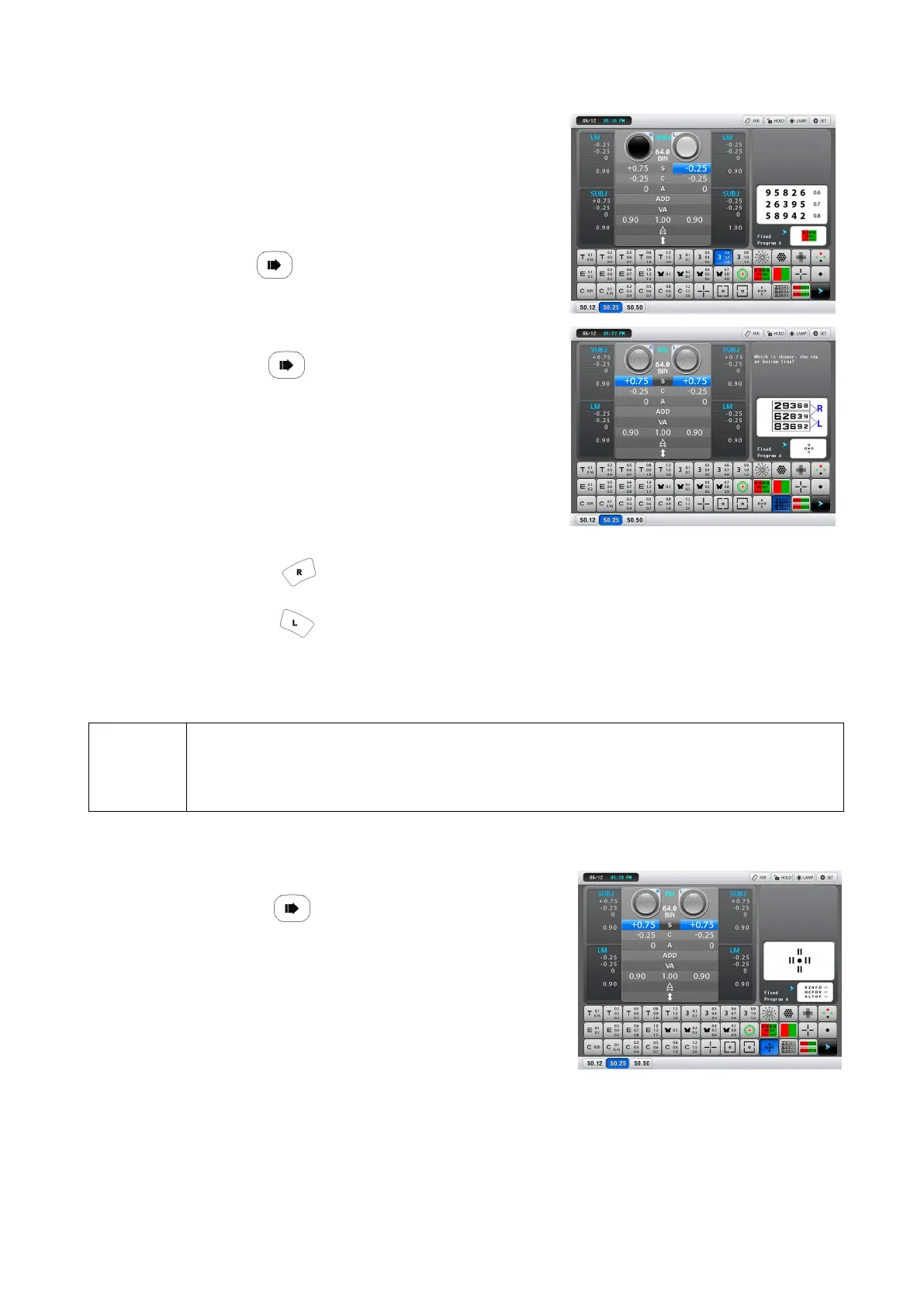
17.Perform the binocular balance test.
1) Press
The polarizing filters are placed in the measuring
windows.
Right eye: 135°, Left eye: 45°
2) Make the top and bottom lines appear
equal.
The top line is sharper.
Press and turn the dial counter-clockwise by increments of one.
The bottom line is sharper.
Press and turn the dial counter-clockwise by increments of one.
When the patient can see them equally, the binocular vision is balanced.
NOTE
When the patient cannot see the top and bottom lines equally, select which eye is
seen sharper according to the LM data or dominant eye for that determine either
eye.
The binocular spherical power is perfectly refined.
18.Perform the stereo test.
1) Press
The polarizing filters are placed in the measuring
windows.(Right eye: 135°, Left eye: 45°)
The stereo test chart is presented.
The fog which has been applied during the
binocular balance test is automatically released.
2) Confirm that the patient can see four vertical lines stereoscopically.
Enter the recognized stereoparallax with the function button. For a patient who cannot see
those lines stereoscopically, perform the binocular visual function test as necessary.
When the patient has stereoscopic vision with a high accuracy (normally 1′) and has no
symptoms of headache or eye strain, his/her phoria is usually negligible. When the patient
- 31 -



 To Next Page