PDR-7000 Operation Manual
can recognize the stereoscopic difference between the top and right lines, his/her
stereoparallax is 1′. In this case, it is considered that the phoria test is skipped.
19.Perform adjustment.
1) Press
2) Check the patient’s flexibility to the corrective
lenses.
When making a decision about the patient’s
flexibility based on age, the dividing line is about 40
years of age.
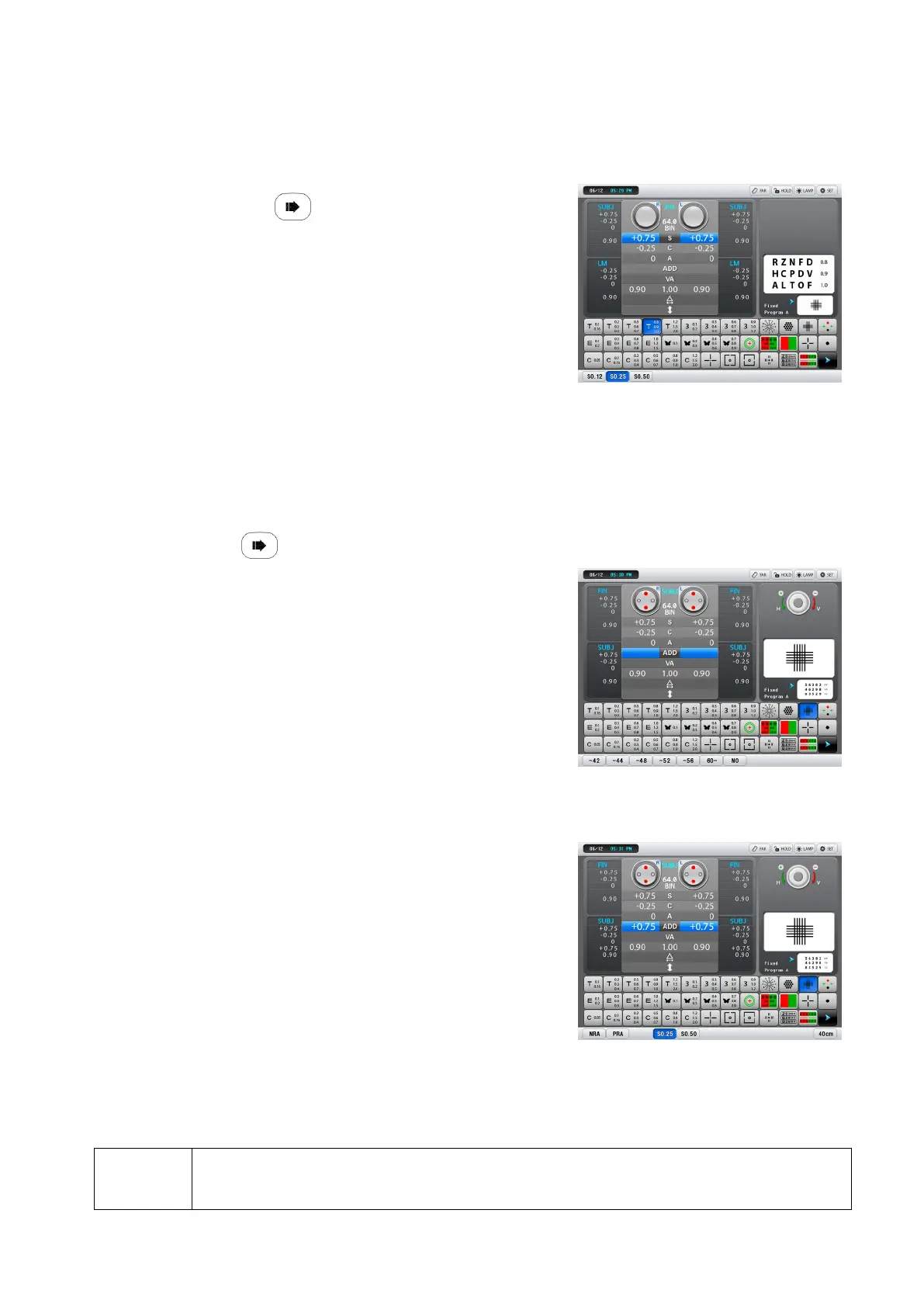
The far powers are adjusted automatically and set
in [Final 1].
The chart of 1.0 to 2.0 is presented.
20.Check the corrected visual acuity.
Compare the data with the saved data in each device (ex:LM, AR, SUBJ,…)
Remove the refractor head and check the viewability or visual acuity with a trial frame
as necessary.
21.Select whether the near vision test is performed or not.
Press
22.Enter the patient’s age.
Select the age with the function buttons.
Go to Step 23 when the Preset ADD parameter is
set to No.
The far powers are switched to the full correction
powers to measure the addition powers
accurately.
The refractor head converges.
23.Pull down the near point rod and set the near point card to a desired working-
distance (normally 40cm).
24.Measure the addition powers.
1) Select the cross-grid chart on the near point
card.
2) Ask the patient, “Which lines are sharper, the
horizontal or vertical ones? or are they about
the same?”
Horizontal lines Turn the dial counter-clockwise in increments of one until the lines
appear equal.
Vertical lines Turn the dial clockwise in increments of one until the lines appear equal.
Same It is not necessary to change the addition powers.
NOTE
When the patient cannot see the horizontal and vertical lines equally, change the
addition power so that the horizontal lines appear sharper than the vertical ones.
- 32 -



 To Next Page