III. BIOS Update Procedure
1 Use the bootable USB storage to boot up the system into the EFI
Shell.
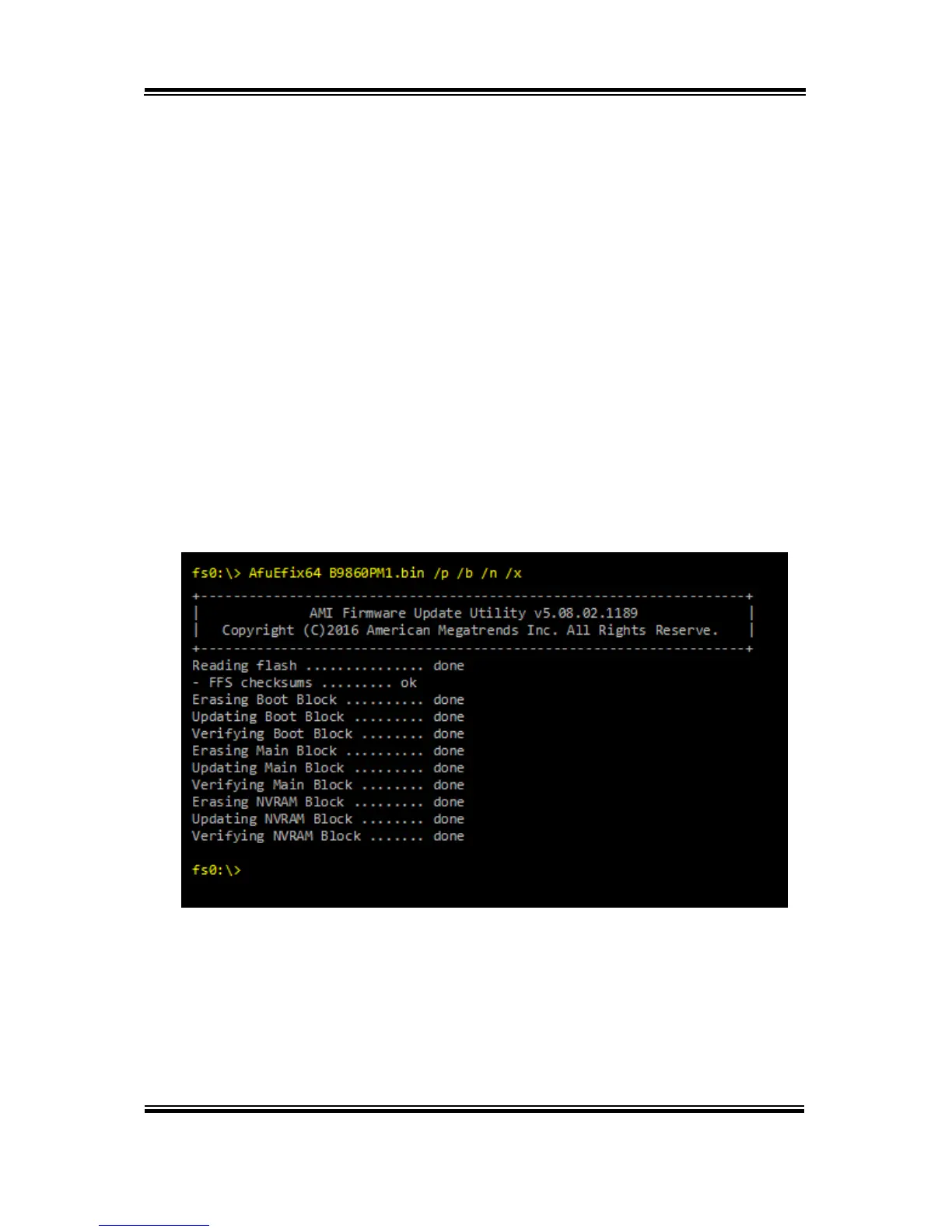
2 Type "AfuEfix64 B986xxxx.bin /p /b /n /x” and press Enter to
start the flash procedure.
(Note that xxxx means the BIOS revision part, e.g. 0PM1…)
3 During the update procedure, you will see the BIOS update
process status and its percentage. Beware! Do not turn off system
power or reset your computer if the whole procedure are not
complete yet, or it may crash the BIOS ROM and make system
unable to boot up next time.
4 After the BIOS update procedure is completed, the following
messages will be shown:
5 Restart the system and boot up with the new BIOS
configurations.
6 The BIOS Update is completed after the system is restarted.
7 Reboot the system and verify if the BIOS version shown on the
initialization screen has been updated.



 To Next Page