BE-0986 SERIES USER MANUAL
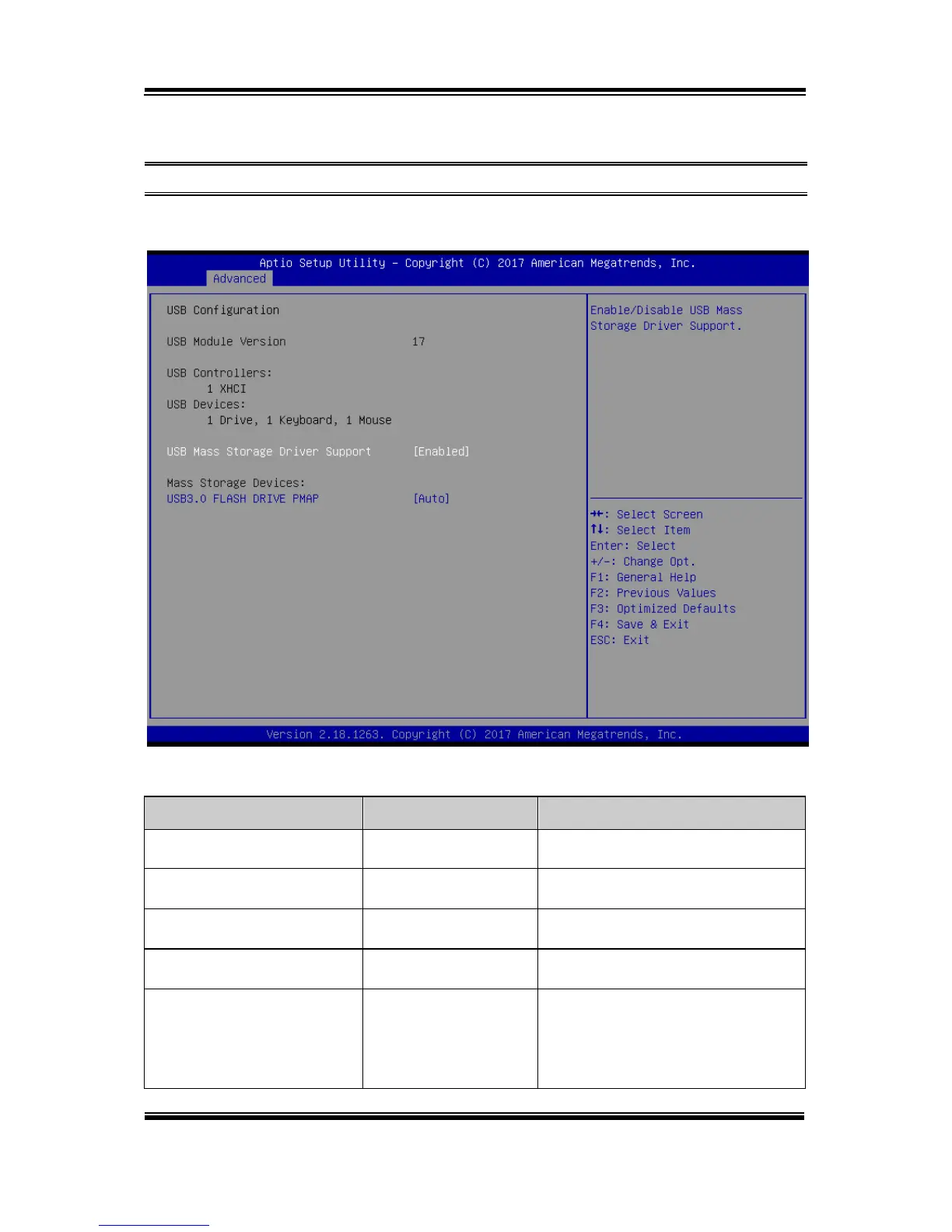
5.4.8 Advanced - USB Configuration
Menu Path Advanced > USB Configuration
The USB Configuration allows users to configure advanced USB settings such as
USB mass storage driver support and mass storage devices.
USB Configuration Screen
Displays USB module version.
Displays the number and type of USB
controllers (if any).
Displays the number and type of
connected USB devices (if any).
USB Mass Storage Driver
Support
- Disabled
- Enabled (default)
Enables/ Disables USB Mass Storage
Driver Support.
MASS STORAGE
DEVICES: [drive(s)]
- Auto (default)
- Floppy
- Forced FDD
- Hard Disk
- CD-ROM
AUTO enumerates devices according
to their media format. Optical drives
are emulated as 'CD-ROM'. Drives
with no media will be emulated
according to a drive type.



 To Next Page