EasyManua.ls Logo

Pro-Tech BE-0986 - Advanced - CPU Configuration

Default Icon
122 pages
Print Icon
To Next Page IconTo Next Page
To Previous Page IconTo Previous Page
Loading...
Chapter 5 BIOS Setup
BE-0986 SERIES USER MANUAL
Page: 5-19
5.4.6 Advanced - CPU Configuration
Menu Path Advanced > CPU Configuration
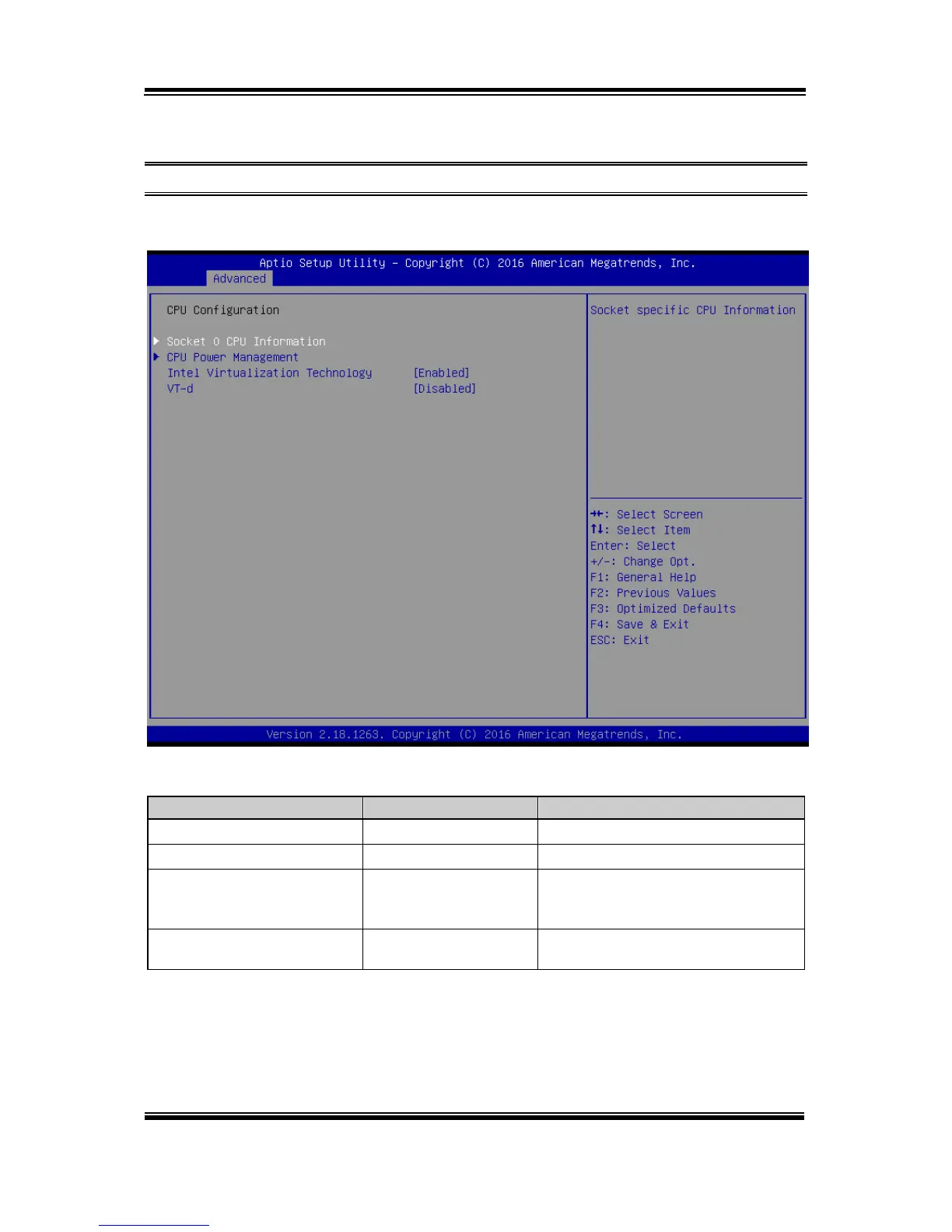
The CPU Configuration provides advanced CPU settings such as CPU power
management and some information about CPU.
CPU Configuration Screen
BIOS Setting
Options
Description/Purpose
Socket 0 CPU Information
Sub-Menu
Soket specific CPU Information.
CPU Power Management
Sub-Menu
CPU power management options.
Intel Virtualization
Technology
- Disabled
- Enabled (default)
When enabled, a VMM can utilize the
additional hardware capabilities
provided by Vanderpool Technology.
VT-d
- Disabled (default)
- Enabled
Enables/Disables CPU VT-d.

Table of Contents