BE-0986 SERIES USER MANUAL
5.3 Main
Menu Path Main
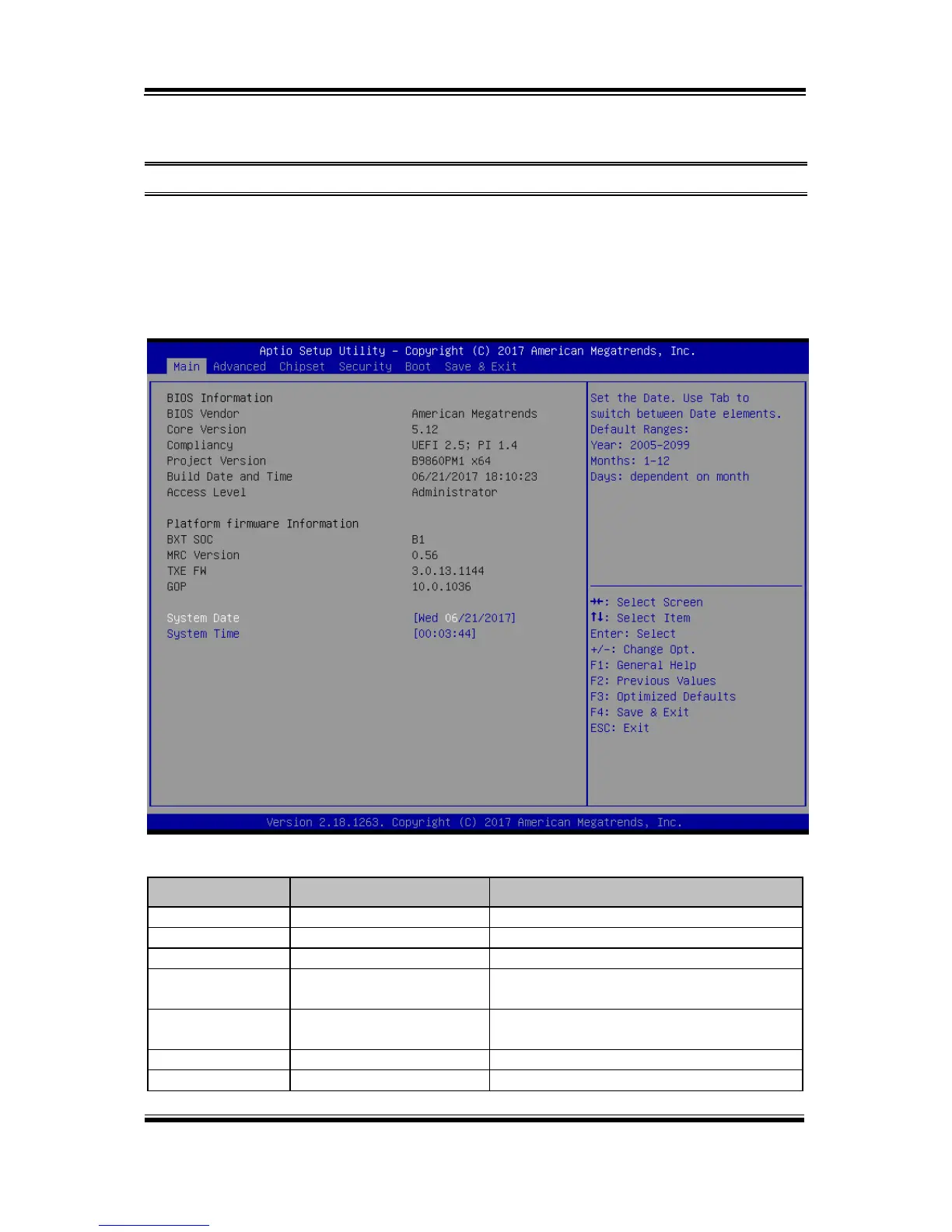
The Main menu allows you to view the BIOS Information, change the system date
and time, and view the user access privilege level. Use tab to switch between date
elements. Use <↑> or <↓> arrow keys to highlight the item and enter the value you
want in each item. This screen also displays the BIOS version (project) and BIOS
Build Date and Time.
Main Screen
Displays the name of the BIOS vendor.
Displays the current BIOS core version.
Displays the current UEFI version.
Displays the version of the BIOS currently
installed on the platform.
Displays the date that the current BIOS
version is built.
Displays the current user access level.
Displays the SOC stepping.



 To Next Page