Chapter 3 Hardware Configuration
BE-0986 SERIES USER MANUAL
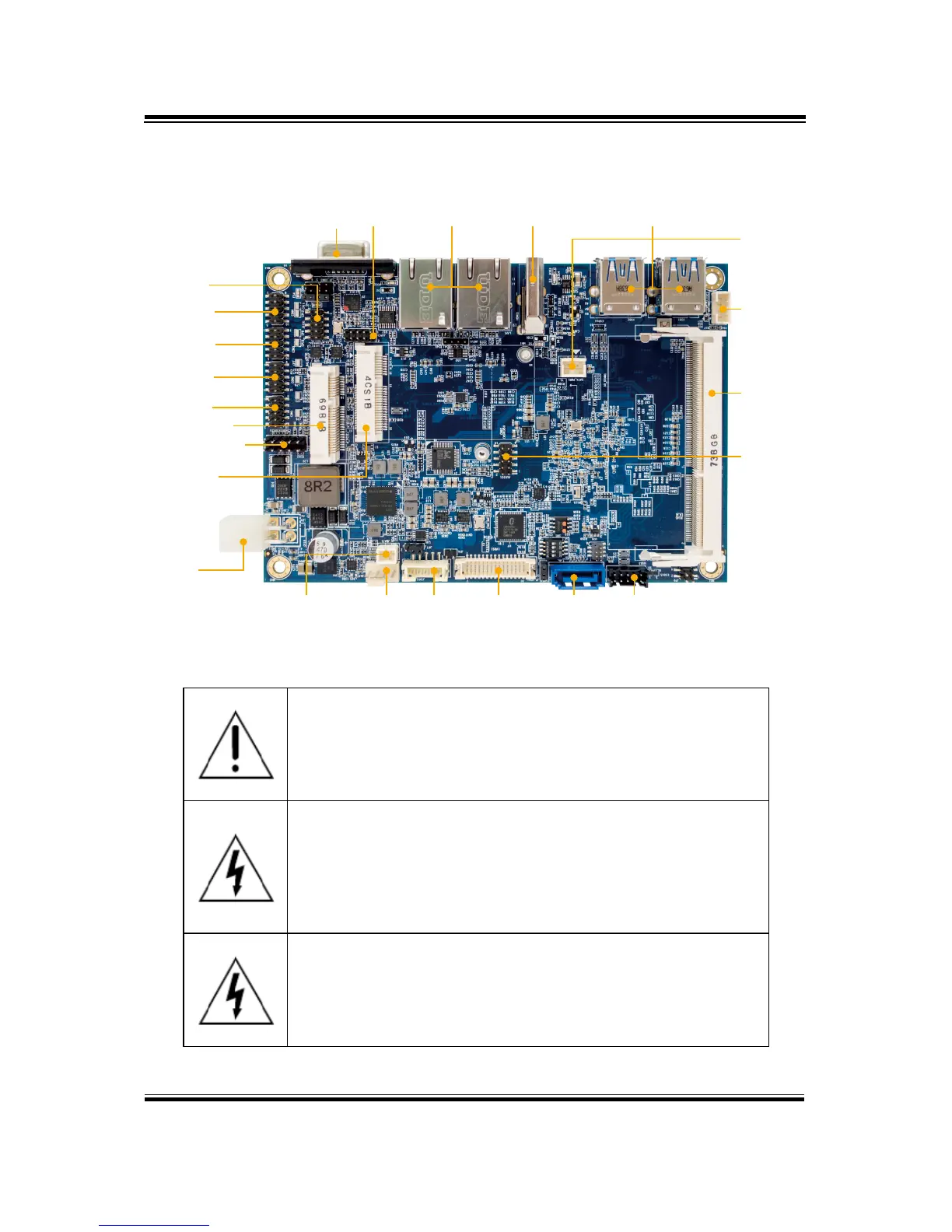
3.2 COMPONENT LOCATIONS
3.2.1 Top View of BE-0986RA-**N
WARNING: Always disconnect the power cord when you are
working with connectors and jumpers on the main board.
Make sure both the system and peripheral devices are turned
OFF as sudden surge of power could damage sensitive
components. Make sure BE-0986 is properly grounded.
CAUTION: Observe precautions while handling electrostatic
sensitive components. Make sure to ground yourself to
prevent static charge while you are working on the
connectors and jumpers. Use a grounding wrist strap and
place all electronic components in any static-shielded
devices.
CAUTION: Always touch the motherboard components by
the edges. Never touch components such as a processor by
its pins. Take special cares while you are holding electronic
circuit boards by the edges only. Do not touch the mainboard
components.
VGA LPC LAN HDMI USB 3.0
SATA
Power
GPIO
COM4
I
2
C
COM3
COM2
DDR3L
COM1
mini PCIe
Front Panel
HD
Audio
mSATA
DC
Power Input
BAT System Fan
Panel LVDS SATA 3.0
Inverter
USB 2.0



 To Next Page