BE-0986 SERIES USER MANUAL
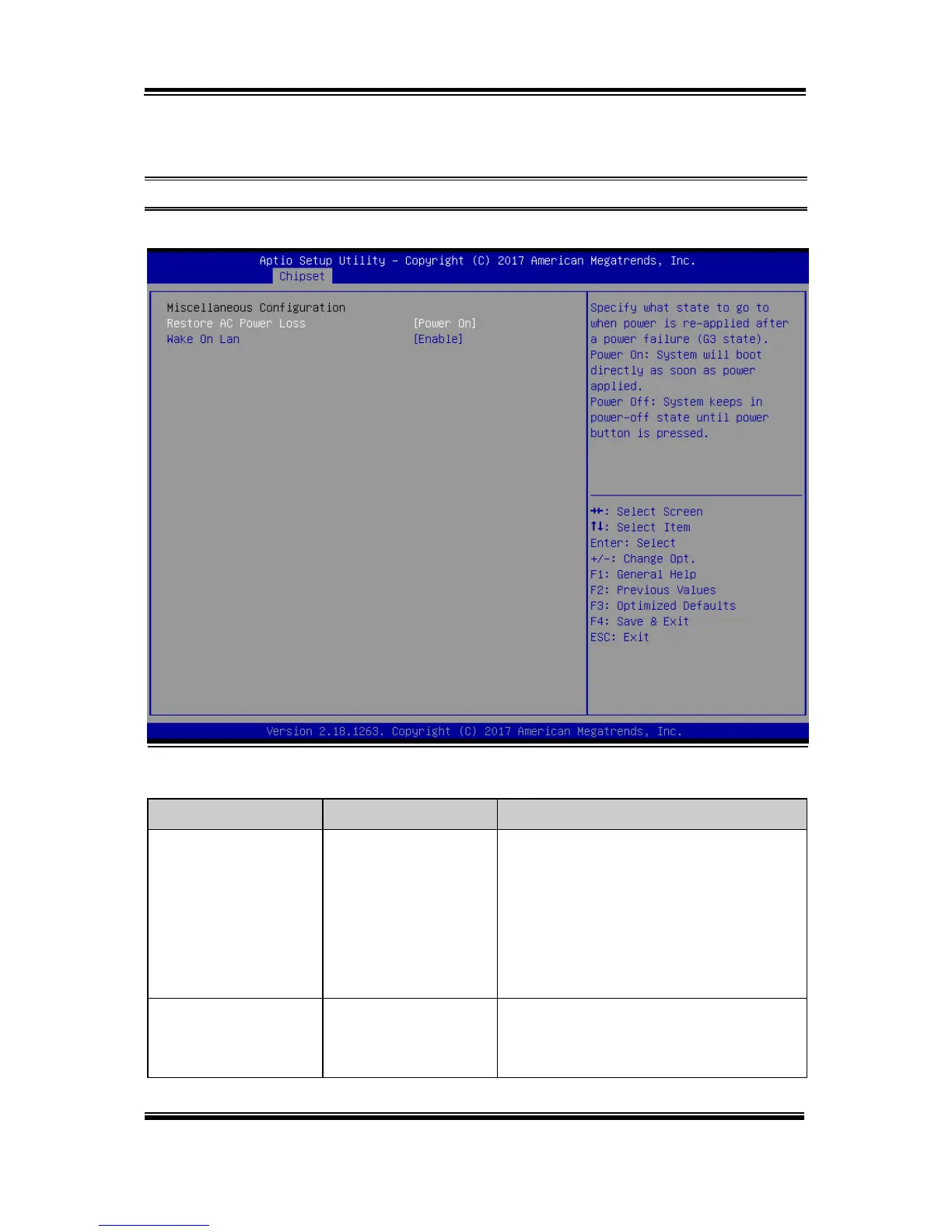
South Bridge - Miscellaneous Configuration
Menu Path Chipset > South Bridge > Miscellaneous Configuration
Miscellaneous Configuration Screen
- Power On (default)
- Power Off
Specifies what state to go to when power is
re-applied following a power failure (G3
state).
• Power On: The system will boot
directly as soon as power is applied.
• Power Off: The system remains in
power-off state until the Power button is
pressed.
- Disable
- Enable (default)
Enables or Disables the Wake-On-LAN.
Win 8/8.1/10 don't support WOL from
hybrid shutdown state (S4). If user needs



 To Next Page