EasyManua.ls Logo

Pro-Tech BE-0986 - Clear Cmos Data Selection

Default Icon
122 pages
Print Icon
To Next Page IconTo Next Page
To Previous Page IconTo Previous Page
Loading...
Chapter 3 Hardware Configuration
BE-0986 SERIES USER MANUAL
Page: 3-26
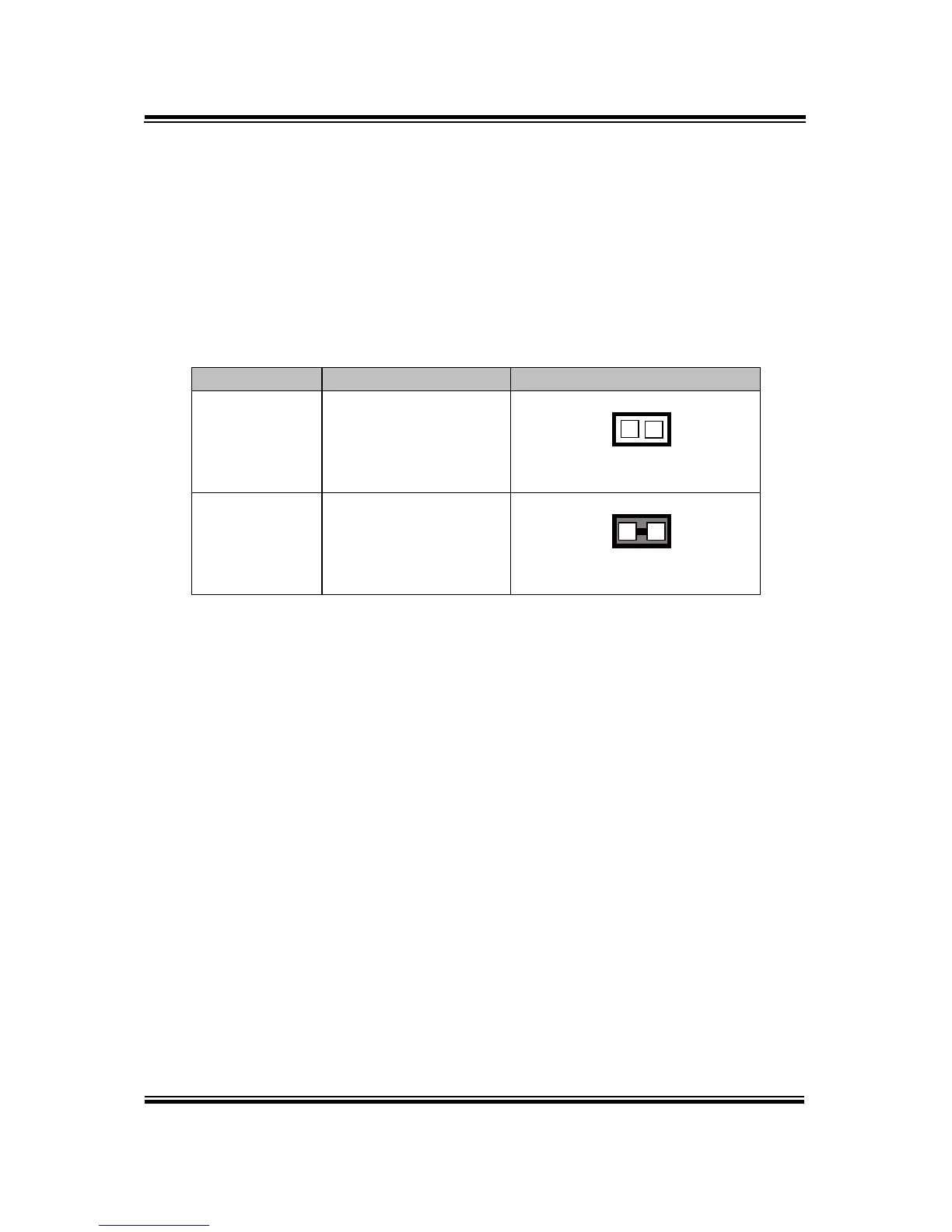
3.4.26 CLEAR CMOS DATA SELECTION
JP4: Clear CMOS Data Selection
Step1. Remove the main power of the PC.
Step2. Close JP4 (pins 1-2) for 6 seconds by a cap.
Step3. Remove the cap which is just used on JP4 (1-2), so that JP4 returns to
“OPEN”.
Step4. Power on the PC and the PC will then auto-reboot for once in order to set
SoC’s register.
Step5. Done!

SELECTION
JUMPER SETTING
JUMPER ILLUSTRATION
Normal
Open
(Default Setting)
1
JP4
Clear CMOS*
1-2
1
JP4

Table of Contents