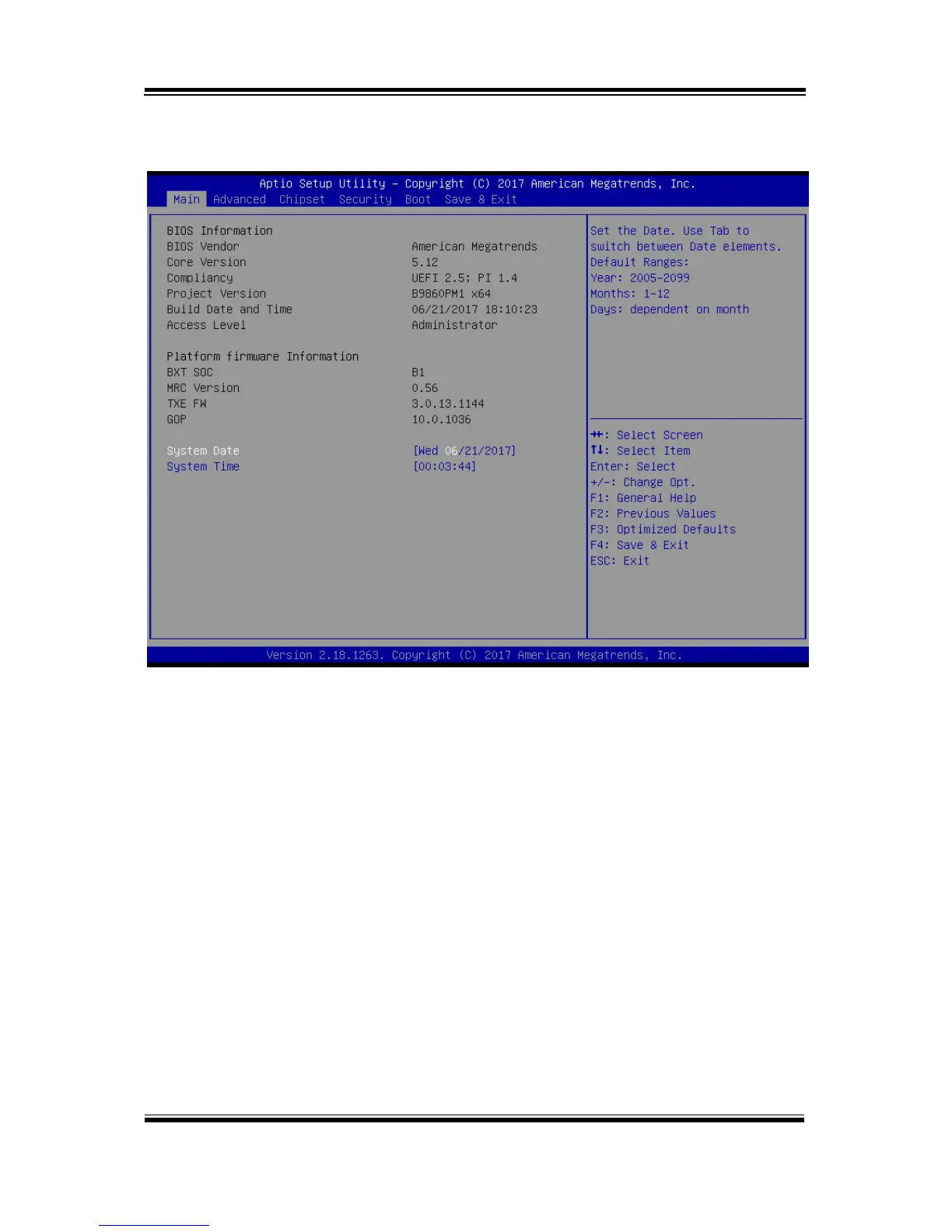
Press <Del> or <Esc> to access the Setup Utility program and the Main menu of
the Aptio Setup Utility will appear on the screen as below:
BIOS Setup Menu Initialization Screen
You may move the cursor by <↑> and <↓> keys to highlight the individual menu
items. As you highlight each item, a brief description of the highlighted selection will
appear on the right side of the screen.
The language of the BIOS setup menu interface and help messages are shown in US
English. You may use <↑> or <↓> key to select among the items and press <Enter> to
confirm and enter the sub-menu. The following table provides the list of the
navigation keys that you can use while operating the BIOS setup menu.



 To Next Page