Copyright © profichip GmbH, 2012
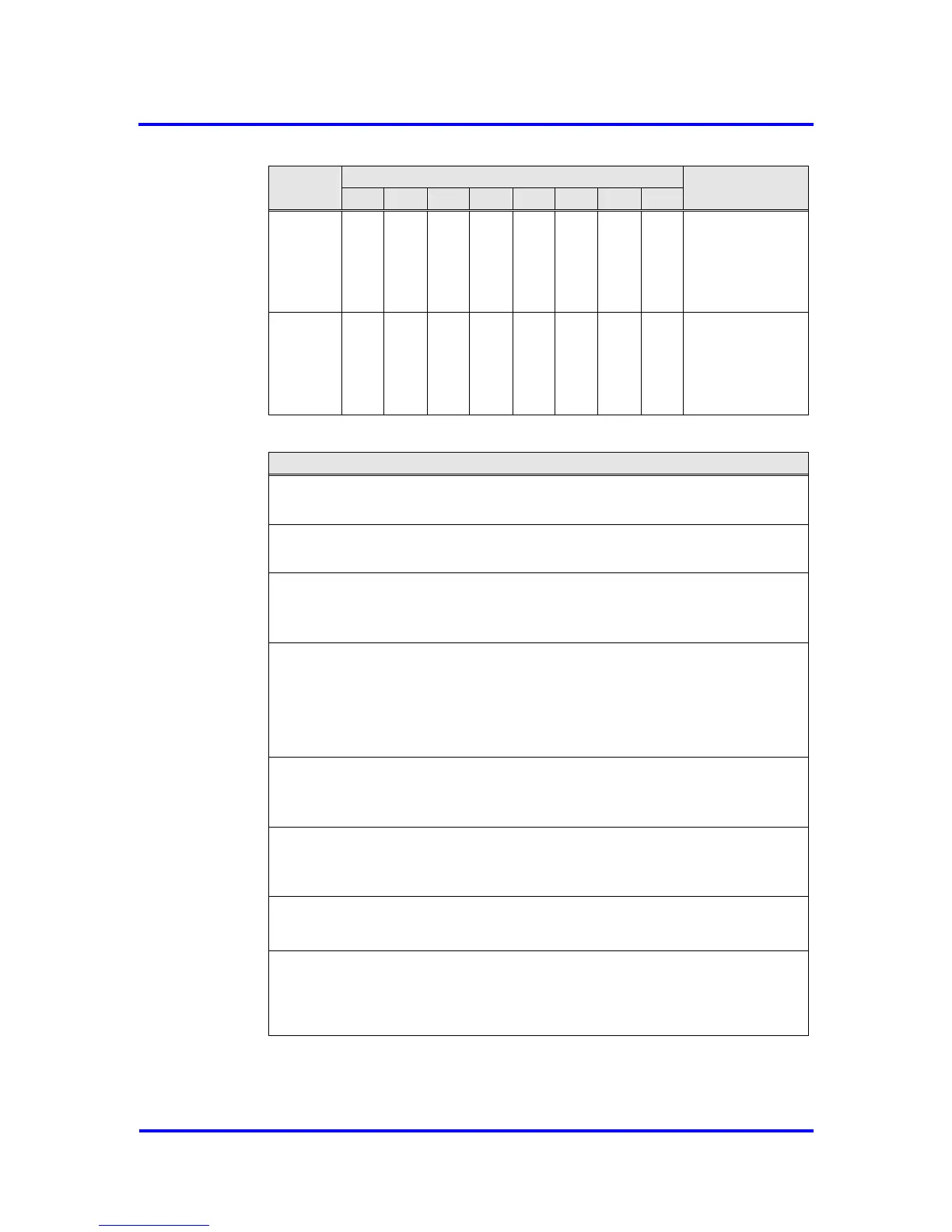
Mode-Reg_1_R
7..0
See below
for coding
Mode Register 1, Set, Address 08H:
Res_User_WD: Resetting the User_WD_Timer
1 = VPC3+S sets the User_WD_Timer to the parameterized value
User_WD_Value. After this action, VPC3+S sets Res_User_WD to ’0'.
En_Change_Cfg_Buffer: Enabling buffer exchange (Config-Buffer for
Read_Config-Buffer)
0 = With User_Cfg_Data_Okay_Cmd, the Config-Buffer may not be exchanged
for the Read_Config-Buffer.
1 = With User_Cfg_Data_Okay_Cmd, the Config-Buffer must be exchanged for
the Read_Config-Buffer.
User_LEAVE-MASTER. Request to the DP_SM to go to WAIT-PRM.
1 = The user causes the DP_SM to go to WAIT-PRM.
After this action, VPC3+ sets User_LEAVE-MASTER to ’0’ again.
Go_Offline: Going into the Offline state
1 = After the current request ends, VPC3+S goes to the Offline state and sets
Go_Offline to ’0’ again.
EOI: End-of-Interrupt
1 = VPC3+S disables the interrupt output and sets EOI to ’0‘ again.
Start_VPC3: Exiting the Offline state
1 = VPC3+S exits offline and goes to Passive_Idle
In addition the Idle Timer and Watchdog Timer are started and
‘Go_Offline = 0’ is set
Figure 5-3: Coding of Mode Register 1



 To Next Page