47
Managing the Pegasus R4iPegasus R4i Product Manual
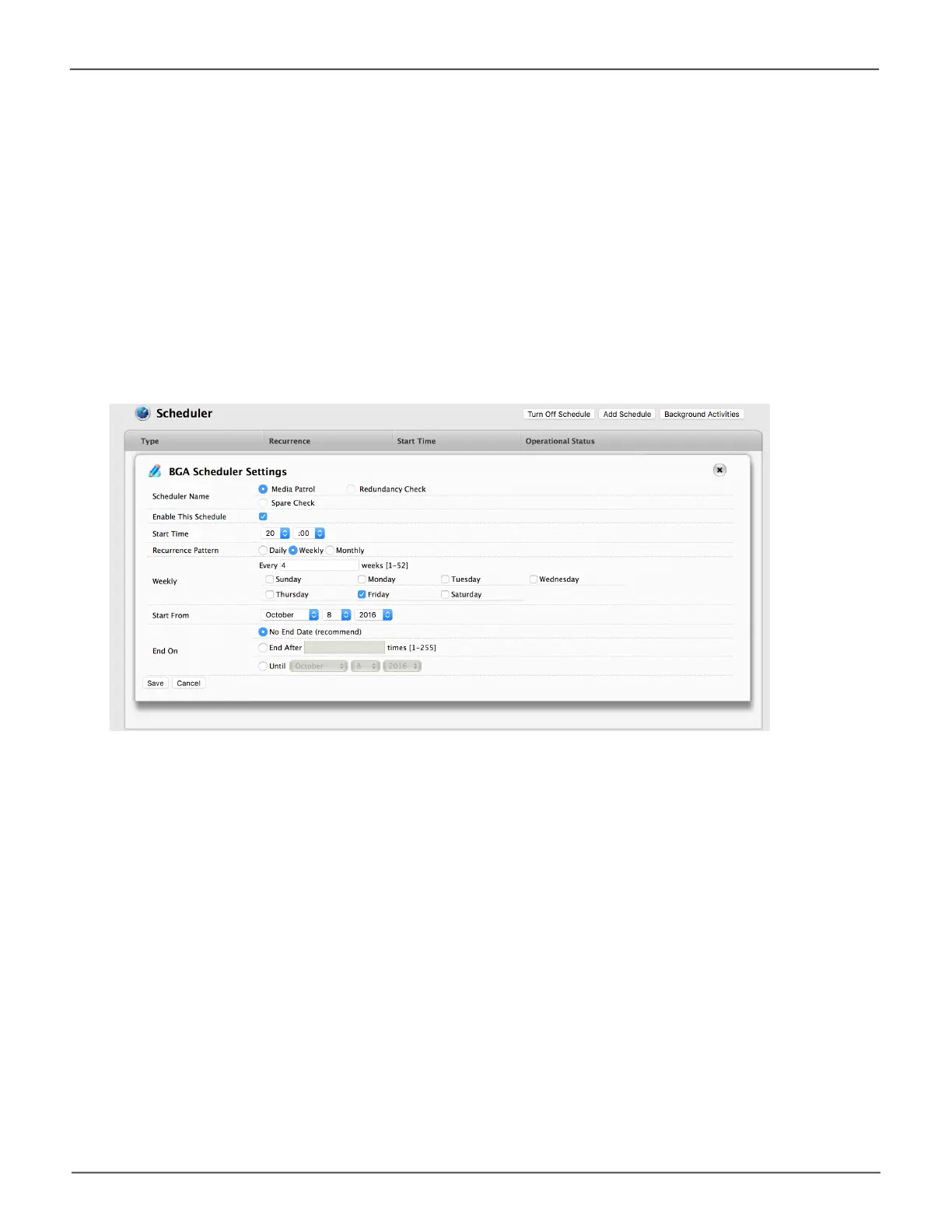
Changing a Background Activity Schedule
To change an existing scheduled background activity:
1. Click on the Background Activities icon.
2. Click the Scheduler button.
The list of scheduled background appears.
3. Mouse-over the background activity, then click the Settings button.
Change a Background Acvity Schedule



 To Next Page
 Loading...