Monitoring MP.11-R Installation and Management
Wireless
147
Wireless
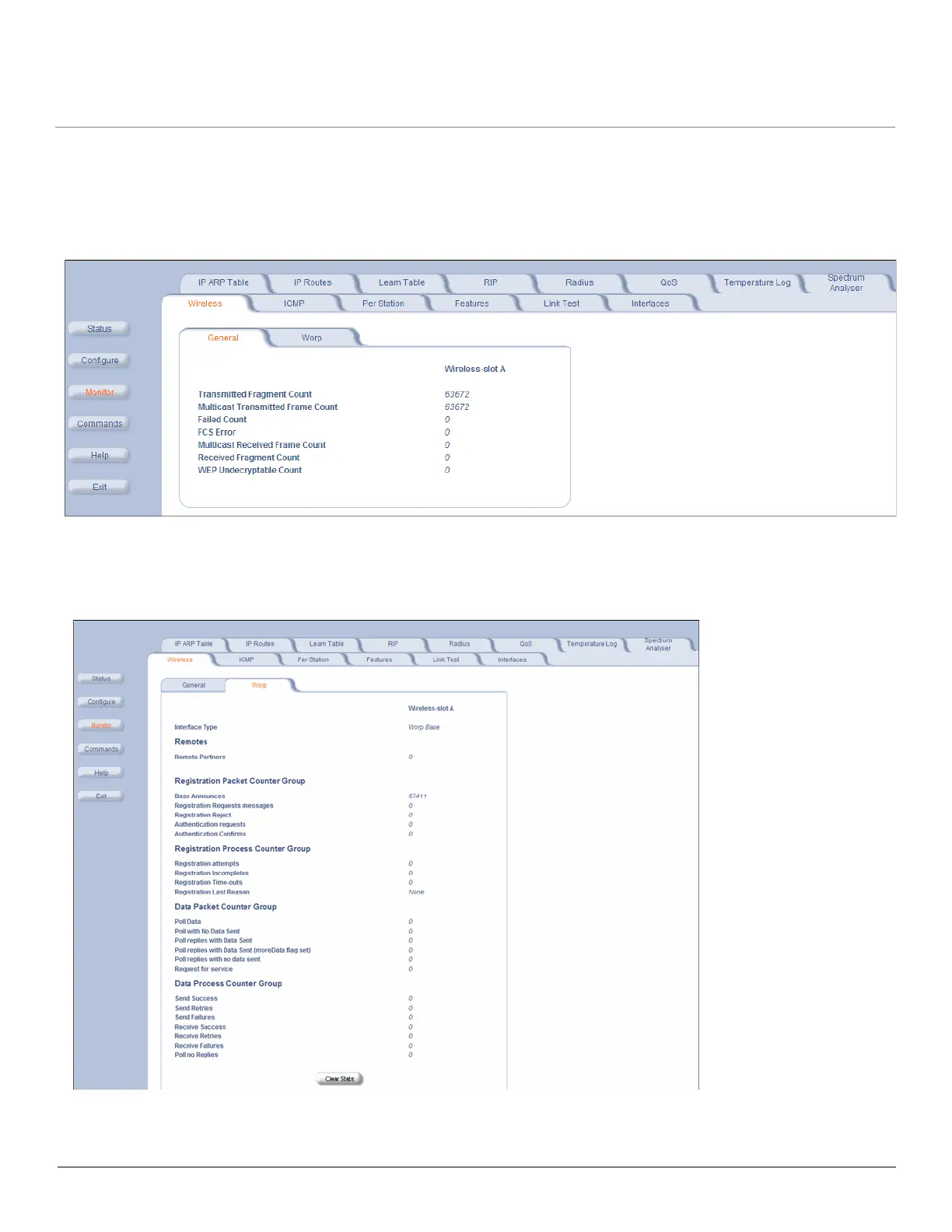
General Performance
Click Monitor > Wireless > General to monitor the general performance of the wireless interface.
WORP Interface Performance
Click Monitor > Wireless > WORP tab to monitor the performance of the WORP Base or WORP SU interfaces.
The Registration Last Reason field indicates either a successful registration (a value of 1) or it indicates the reason why
the last registration failed. Possible values for the Registration Last Reason field are as follows:



 To Next Page
 Loading...