Chapter 7: Peripheral Devices & Accessories
Portable Docking Module (PDM)
266
Psion Teklogix 7530 Hand-Held Computer User Manual
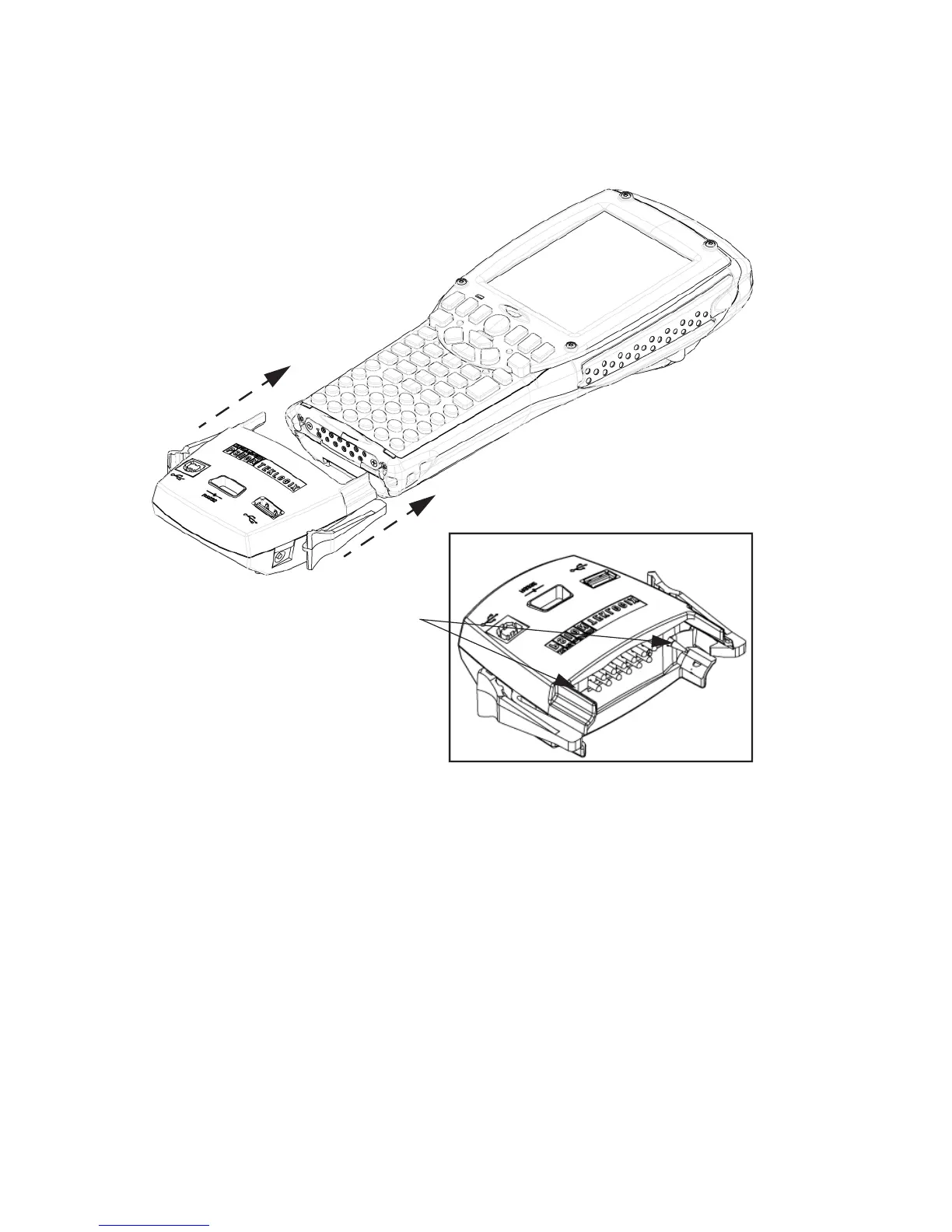
Figure 7.1 Attaching The PDM To The Base Of The 7530
Align the guide pins on the PDM with the
slots on the base of the 7530, and
Guide Pins
gently snap the PDM onto the hand-held.



 To Next Page