Q24/Q48 Tape Library Installation and Operations Manual
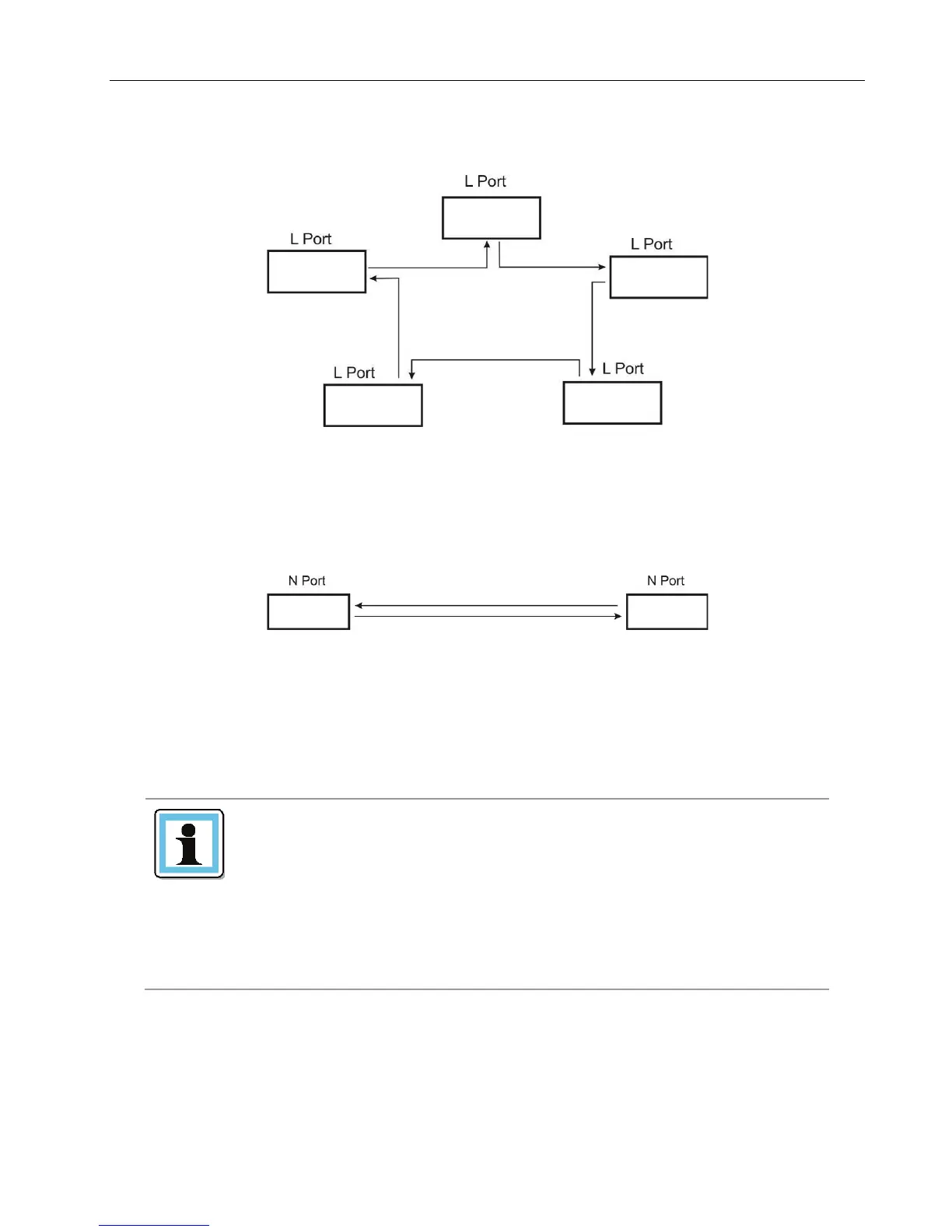
• L Port – arbitrated loop
Figure 9 Fibre Channel topology (L Port)
• N Port – point to point protocol in a switched Fabric topology
Figure 10 Fibre Channel topology (N Port)
The Fibre Channel tape drive can be connected directly to the server with a host bus adapter (HBA) or
through a storage area network (SAN).
Use an appropriate HBA for your tape drive due to performance
considerations. A lower throughput HBA might result in
performance degradation when backing up highly compressible
data to a higher throughput tape drive.
In a SAN installation, all switches between the host and the
library must be of the appropriate type. A lower throughput
switch in the path may result in performance degradation.
Configure zoning so only the backup servers may access the
© Copyright QUALSTAR 2015 10



 To Next Page