Q24/Q48 Tape Library Installation and Operations Manual
3.2.8 Operations
3.2.8.1 Move Media within the library
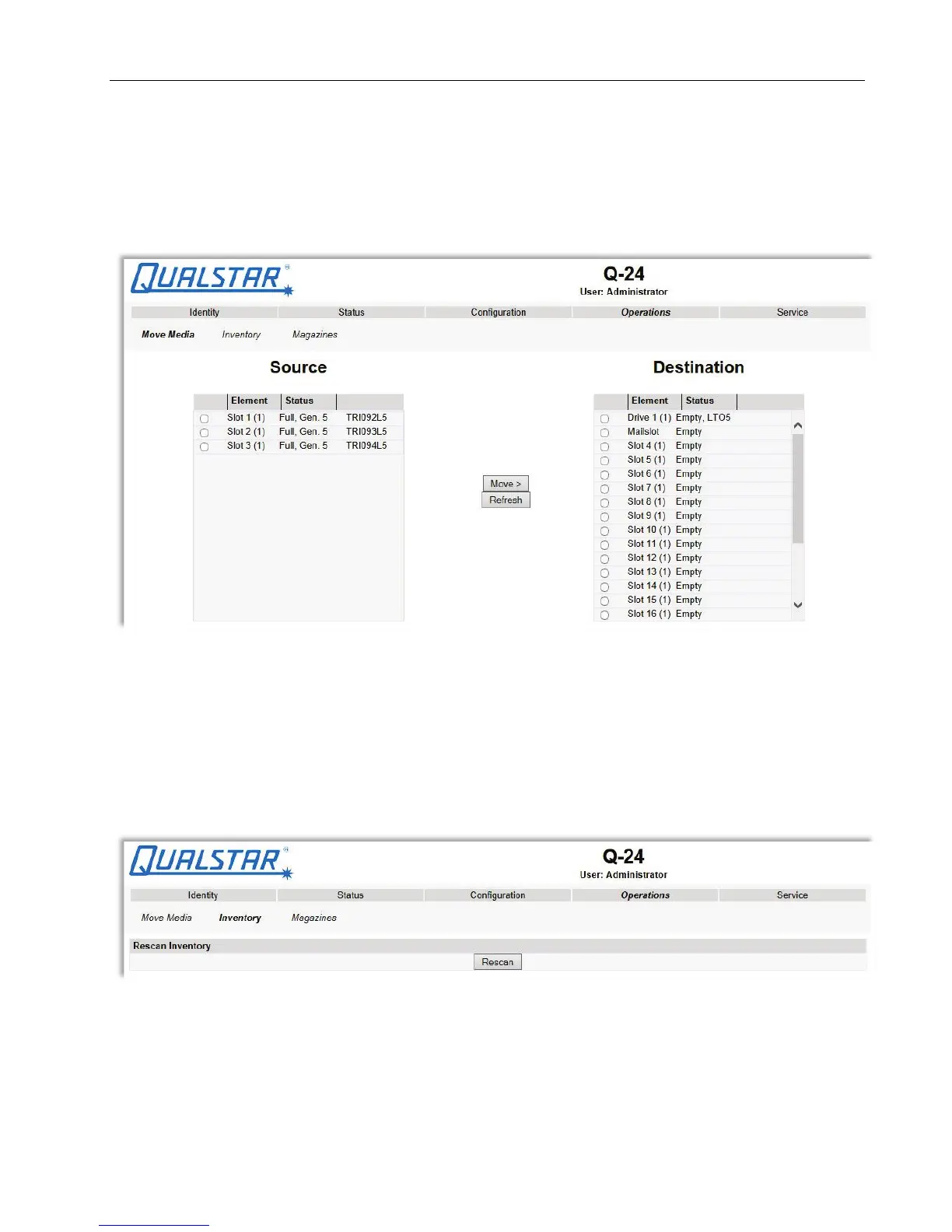
This page allows the user to move tape cartridges within the library.
Figure 51 Move media
Select the source and destination and then click the <Move> button to move a tape cartridge.
3.2.8.2 Determining current media Inventory
This page allows the user to rescan the library to determine the current media inventory.
Figure 52 Media Inventory
Changes will only be applied after the <Rescan> button is selected.
© Copyright QUALSTAR 2015 55



 To Next Page