Q24/Q48 Tape Library Installation and Operations Manual
3.2.4 RMU Screen Layout
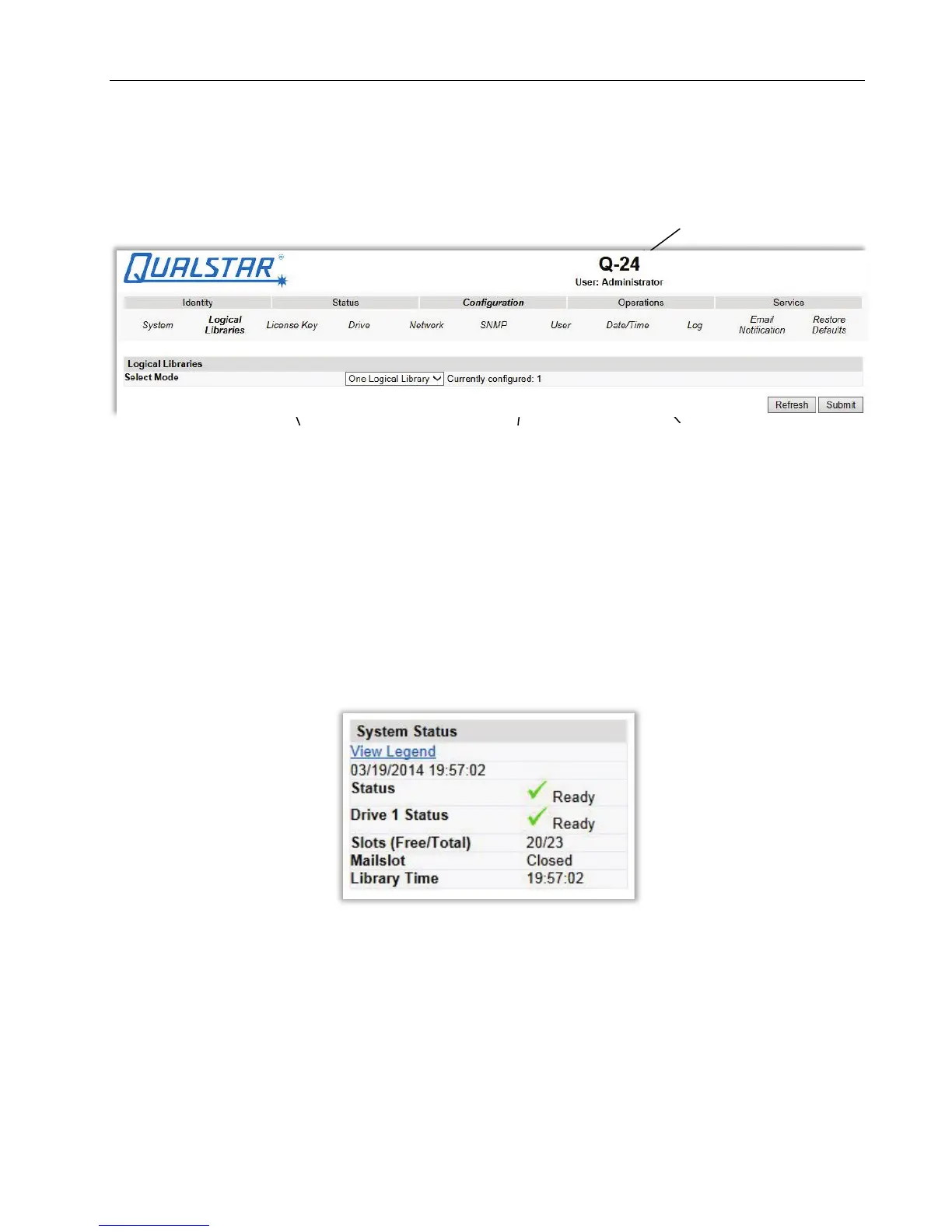
Once logged in, the general layout of all RMU screens is similar:
Figure 31 RMU Menu System
Menu items in the Action bar and Object bar are selectable, and the currently selected item is displayed
in bold italics. The items listed in the Action bar are fixed, but the items in the Object bar vary
according to the action selected (see Section 3.2.2 above). Similarly, the contents of the detailed
information area shown below the two bars depend on the selected action and object.
At the right side of every screen, a summary of the system status is displayed and continually updated:
Figure 32 System Status summary
© Copyright QUALSTAR 2015 37



 To Next Page