Q24/Q48 Tape Library Installation and Operations Manual
The status icons that may be displayed are as follows:
Description for the status icons
The green check mark for status <Ok> indicates that the library is fully operational and that no
user intervention is required.
The yellow exclamation point for status <Warning> indicates that user intervention is necessary,
but that the library is still capable of performing operations.
The red x for status <Error> indicates that user intervention is required and that the library is
not capable of performing operations.
Table 4 Legend of status icons (RMU)
The information displayed is as follows:
• Date/Time
• Status = Overall library status
• Drive Status = Individual drive status (there will be one entry for each installed drive).
• Slots (Free/Total) = Total library slot capacity
• Mail slot = Open/Closed
• Library Time = Time stamp displayed in 24 hour format
• Auto Clean Status = If the Auto Clean Option is configured the status will be displayed here
3.2.5 Identity
3.2.5.1 Viewing the static library identity
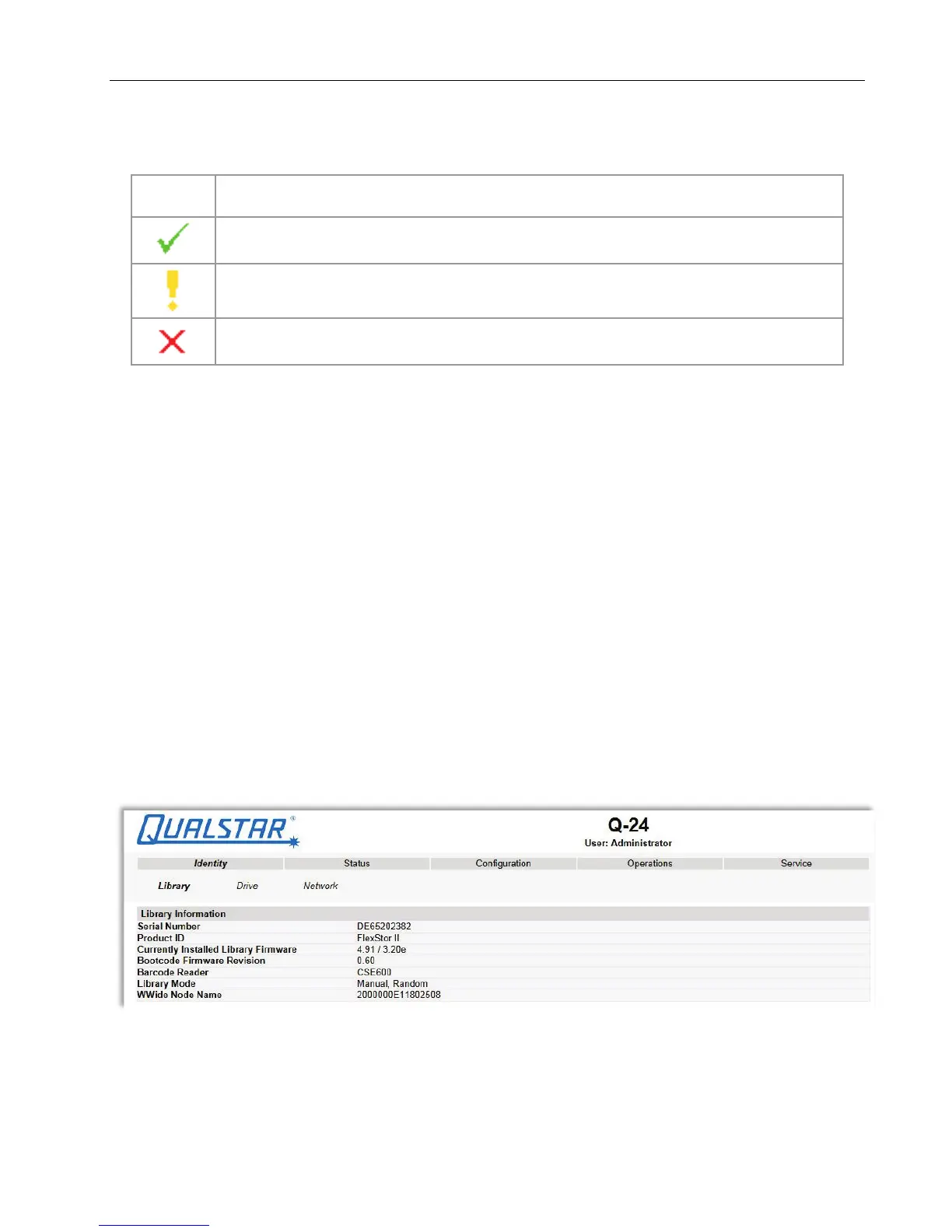
This page provides access to the static information about the system. No changes can be made from
this page.
Figure 33 Library identity
© Copyright QUALSTAR 2015 38



 To Next Page