Q24/Q48 Tape Library Installation and Operations Manual
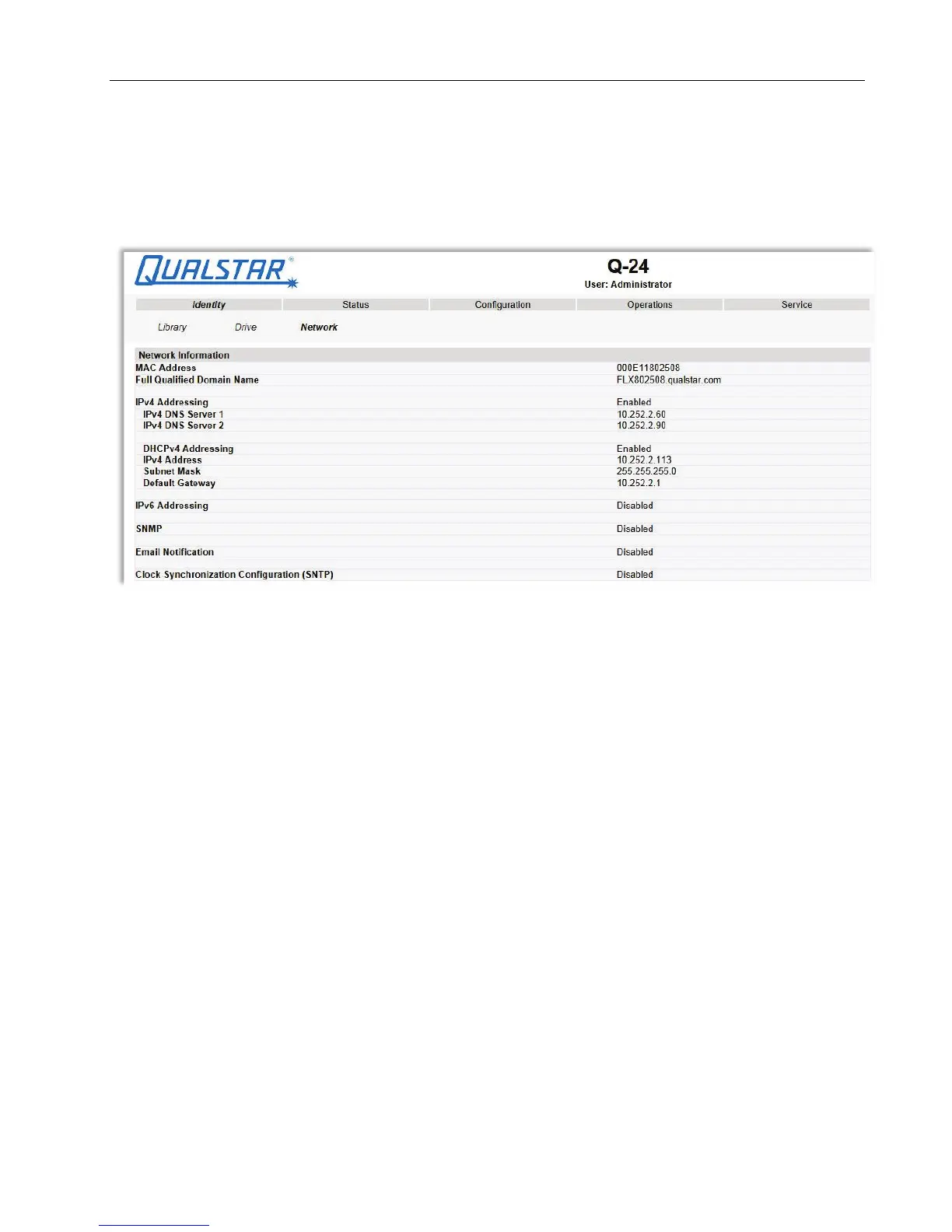
3.2.5.3 Viewing the network identity
This page provides access to the network information about the connections of the library. No changes
can be made from this page.
Figure 35 Network identity
The following information is displayed:
1. Network information:
• MAC Address
• Full Qualified Domain Name
• IPv4 Addressing = Enabled/Disabled
• IPv4 DNS Server 1 = IP address of domain name server 1
• IPv4 DNS Server 2 = IP address of domain name server 2
• DHCPv4 Addressing = Enabled/Disabled
• IPv4 Address = IP address assigned by DHCP
• Subnet Mask
• Default Gateway = IP address of default gateway
• Ipv6 Addressing = Enabled/Disabled
• SNMP = Enabled/Disabled
• Email Notification = Enabled/Disabled
• Clock Synchronization Configuration (SNTP) = Enabled/Disabled
© Copyright QUALSTAR 2015 41



 To Next Page