Q24/Q48 Tape Library Installation and Operations Manual
5.5 Removing the library controller
Adhere strictly to the following steps to remove a power supply:
1. Power down the library by pressing the power button on the front panel.
2. Remove the power cord from the rear panel of the library.
3. Remove all cables from the library controller on the rear panel of the library.
4. Loosen the blue thumbscrews located on the library controller with your fingers.
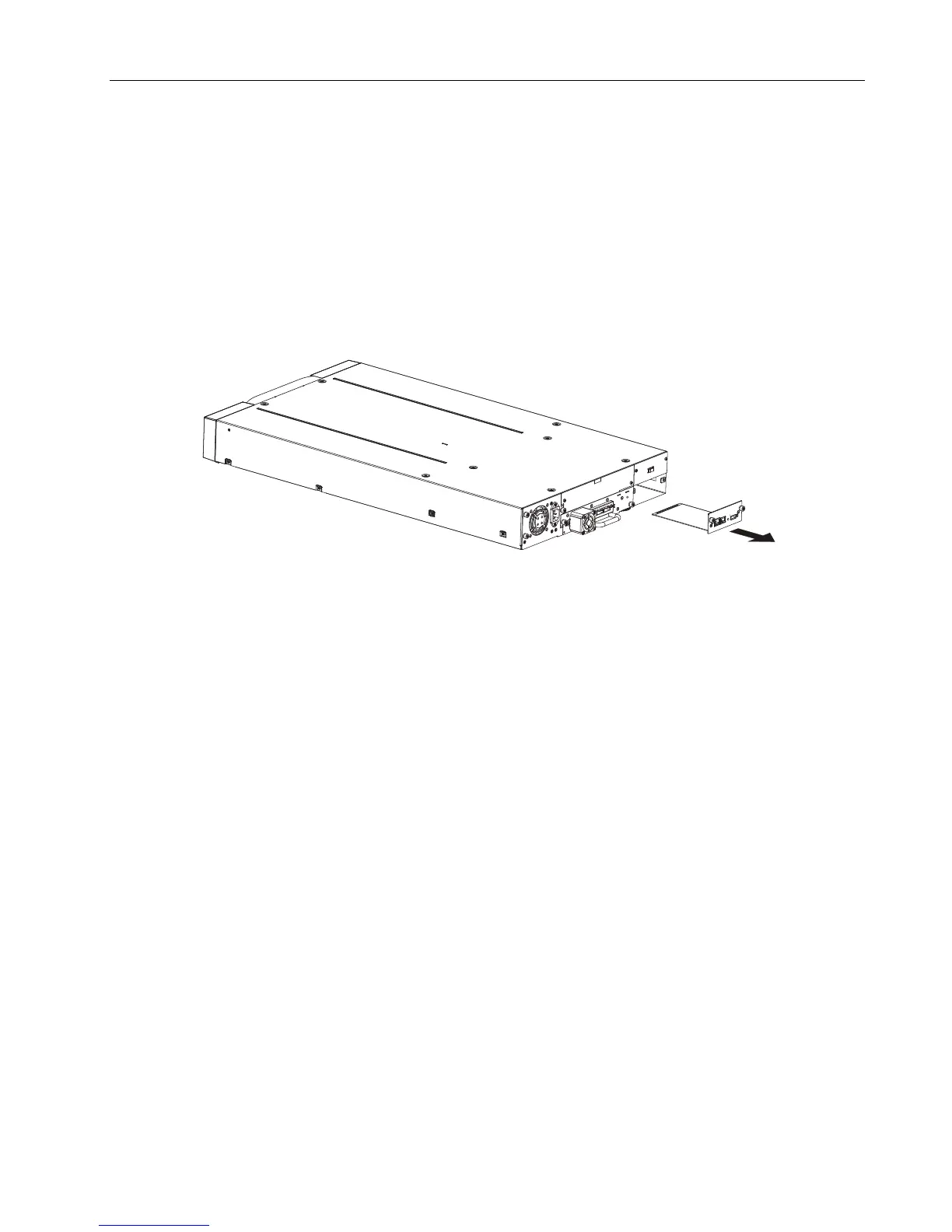
5. Pull the library controller straight out of the library as shown below.
Figure 67 Remove the library controller
6. To store or ship the removed library controller, repackage it in the original or replacement device
packaging materials.
5.6 Replacing the library controller
Use this procedure to replace the library controller with another library controller:
1. Remove the library controller from the library, as described above.
2. To install the new library controller, see Section 2.10
© Copyright QUALSTAR 2015 89



 To Next Page