Q24/Q48 Tape Library Installation and Operations Manual
3.2.6.2 Viewing the dynamic drive status
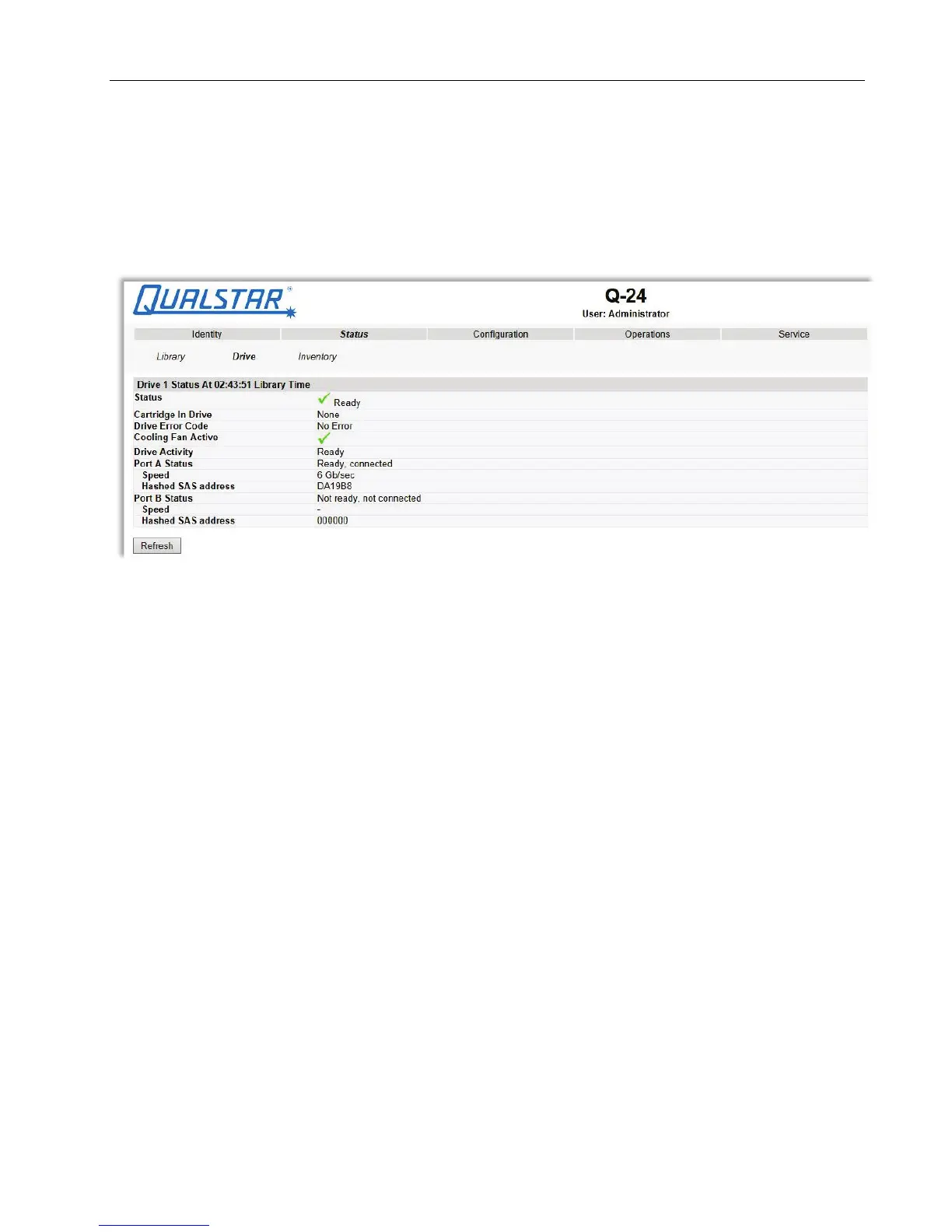
This page provides detailed information about all drives that are present in the library.
If multiple tape drives are installed in the library, the information will be shown by selecting it from
the pull down menu.
Figure 37 Drive status
The following information is displayed:
1. Drive status:
• Status = Indicates whether drive is ready for use
• Cartridge in Drive = Indicates whether the drive contains a tape cartidge
• Drive Error Code
• Drive Temperature
• Cooling Fan Active
• Drive Activity
• Drive Port = Information relevant to the specific drive interface (FC or SAS)
2. Additional drive information (up to 4 half-height tape drives for a Q48)
© Copyright QUALSTAR 2015 43



 To Next Page