Q24/Q48 Tape Library Installation and Operations Manual
• Start Entry
• Number Of Entries Per Page
Changes will only be applied after the <Update> or <Clear Log> button is selected.
<Dump log> creates the log and <Save Service Dump> allows the direct viewing or saving of the file.
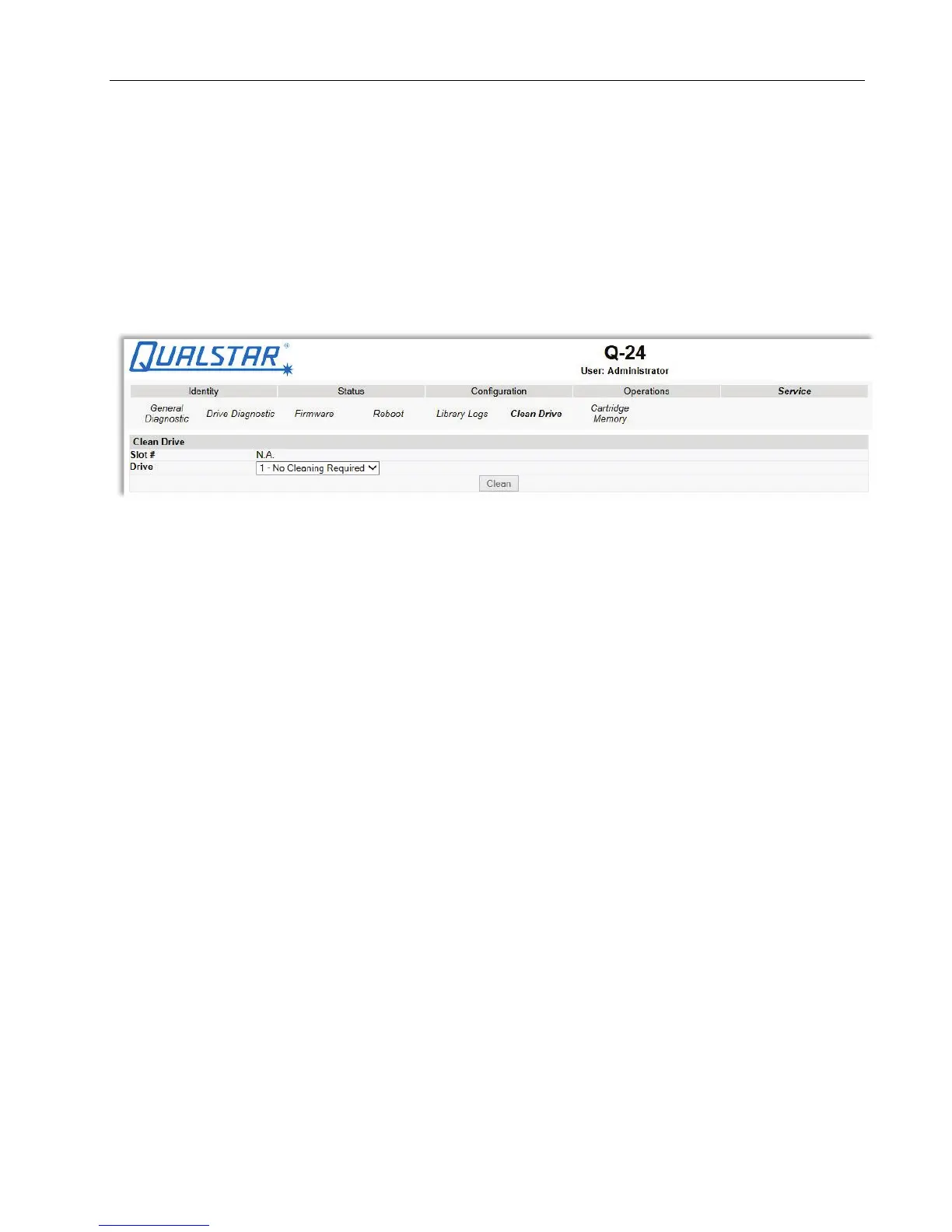
3.2.9.6 Cleaning tape drive(s)
This page allows the user to initiate the tape drive cleaning process, if required.
Figure 59 Clean a tape drive
Select the magazine slot number containing the cleaning cartridge and the tape drive to be cleaned in
the appropriate pull down menu and then click the <Clean> button.
© Copyright QUALSTAR 2015 59



 To Next Page