Radioddity Extended manual for Radioddity DB25-D, DB40-D & GD-88 v3.0
© Radioddity 2023 page 143 of 252
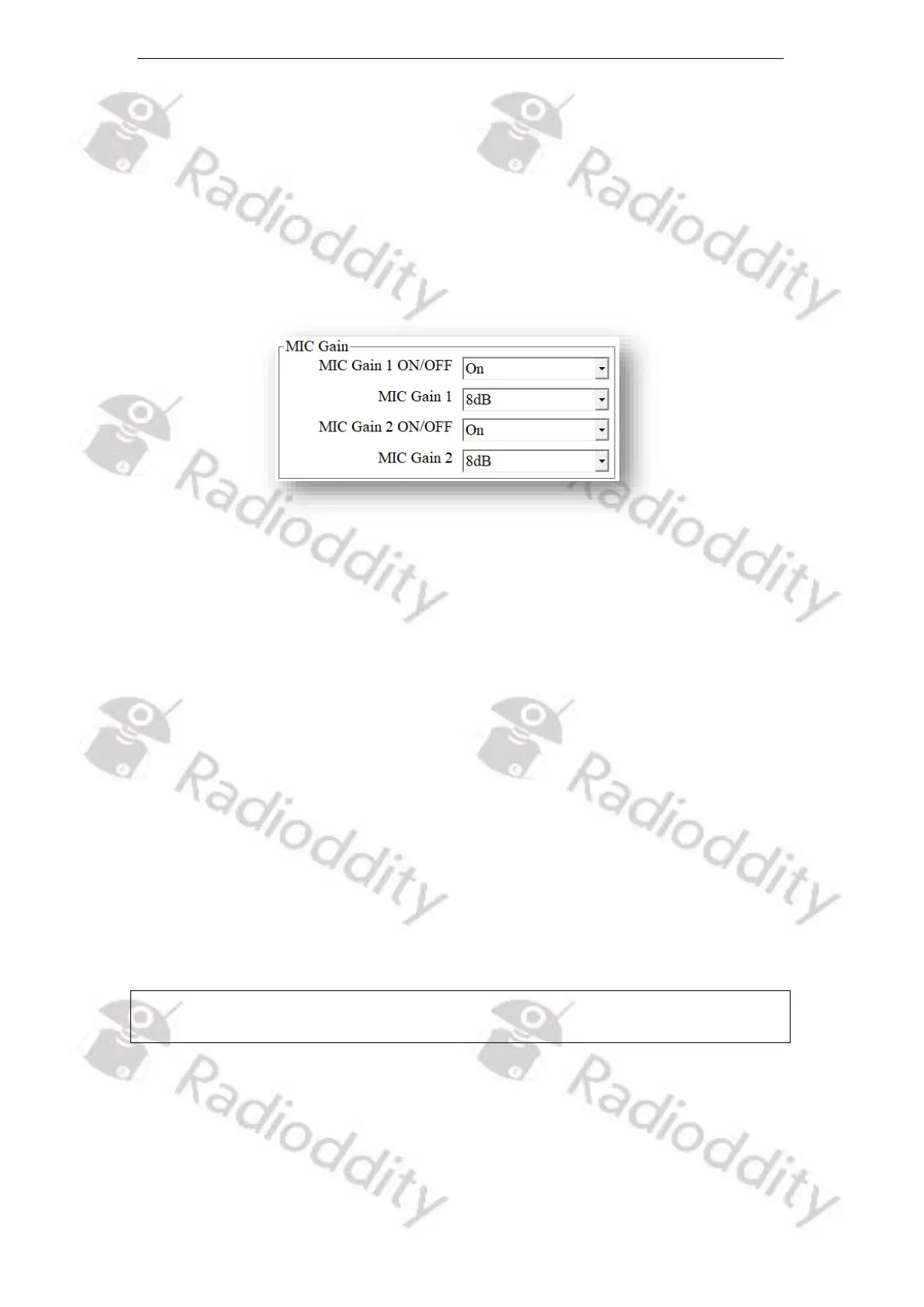
12.7 Mic Gain
You can turn the gain for the Microphone-signal on or off and set the MIC gain
level of the Radioddity DB25-D, DB40-D or GD-88.
MIC Gain 1 refers to a microphone attached to the K1-socket of the radio and
requires also MIC Gain 2 to be in its ‘On‘-position. MIC Gain 2 refers to the Speaker-
Microphone that comes with the DB25-D as well as with the DB40-D and is
connected via the front RJ45-Socket or the built-in microphone of the GD-88.
12.7.1 MIC Gain 1 ON/OFF
MIC Gain 1 is only active, if MIC Gain 1 and MIC Gain 2 are both turned on.
Options: On Turn on MIC Gain 1 feature.
Off Turn off MIC Gain 1 feature.
Default: On
12.7.2 MIC Gain 1
The transmitted radio microphone audio level will be amplified in accordance with
the setup gain ratio of ‘ MIC Gain 2’ plus those of ‘ Mic Gain 1‘.
Option: Maximum: 20 dB
Minimum: 0 dB
Stepping: 4 dB
Default: 8 dB
Notes: This option is effective ONLY when the status of the MIC Gain 1 and MIC Gain
2 are both ‘ON’.
12.7.3 MIC Gain 2 ON/OFF
You can turn on or off the MIC Gain 2 feature of the microphone attached to the
RJ45-socket at the front of the Radioddity DB25-D, DB40-D or the built-in
microphone of the Radioddity GD-88. With the parameter turned ‘On’, the
transmitted radio microphone audio level will be amplified in accordance with the



 To Next Page